
Dedicated architecture
Allocate infrastructure around the actual WordPress workload, dependencies, isolation requirements and growth profile.
ENTERPRISE WORDPRESS
For organisations where WordPress is business-critical, Webcore combines dedicated infrastructure, resource governance, operational visibility, recovery and engineering around the needs of the application.
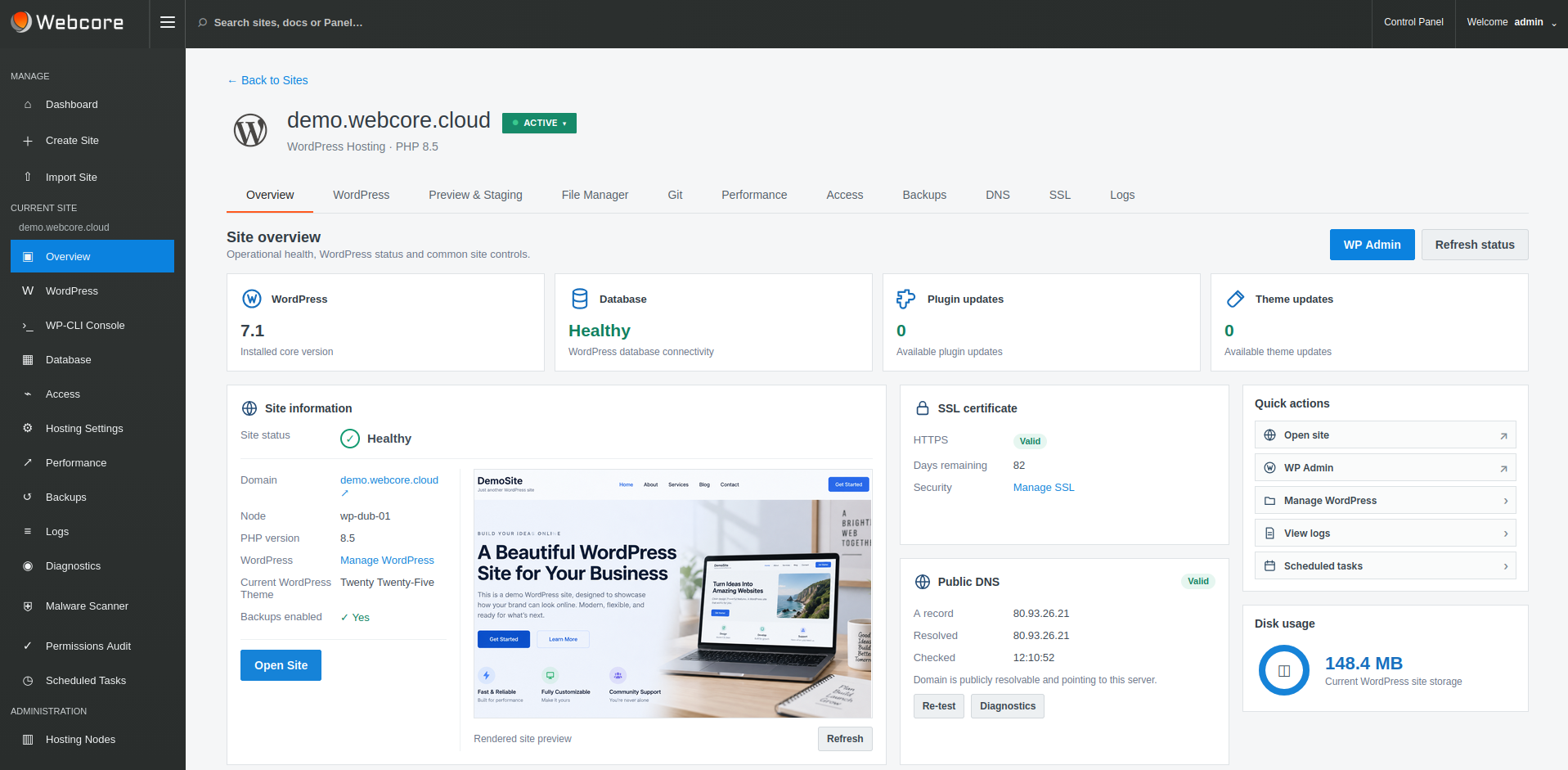
NOT JUST A BIGGER HOSTING PLAN
Traffic patterns, integrations, administrative workflows, isolation, recovery requirements and operational risk all matter. Webcore designs and operates the hosting environment around those requirements while exposing the application and operational controls the customer team needs.
Allocate infrastructure around the actual WordPress workload, dependencies, isolation requirements and growth profile.
Give authorised teams visibility and control at the appropriate site or dedicated-node scope without exposing the wider Webcore fleet.
Webcore remains responsible for fleet administration, platform maintenance and the infrastructure underneath the managed service.
DEDICATED INFRASTRUCTURE
Enterprise deployments can use dedicated Webcore-managed hosting nodes rather than sharing the same infrastructure model as standard managed WordPress sites.
That creates a clearer boundary for resource planning, operational visibility and application-specific tuning while retaining the same WordPress management workflows.
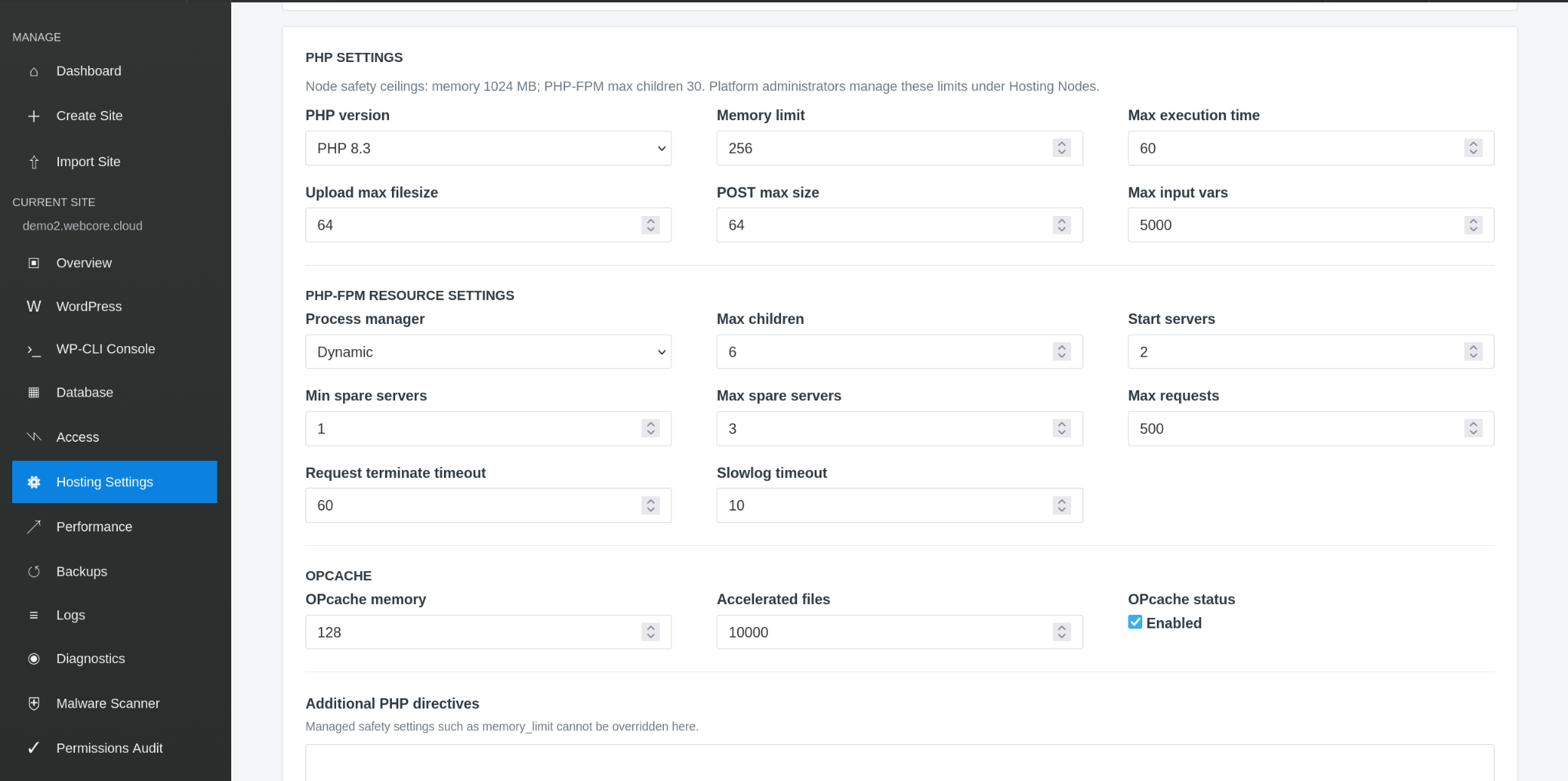
PERFORMANCE & RESOURCES
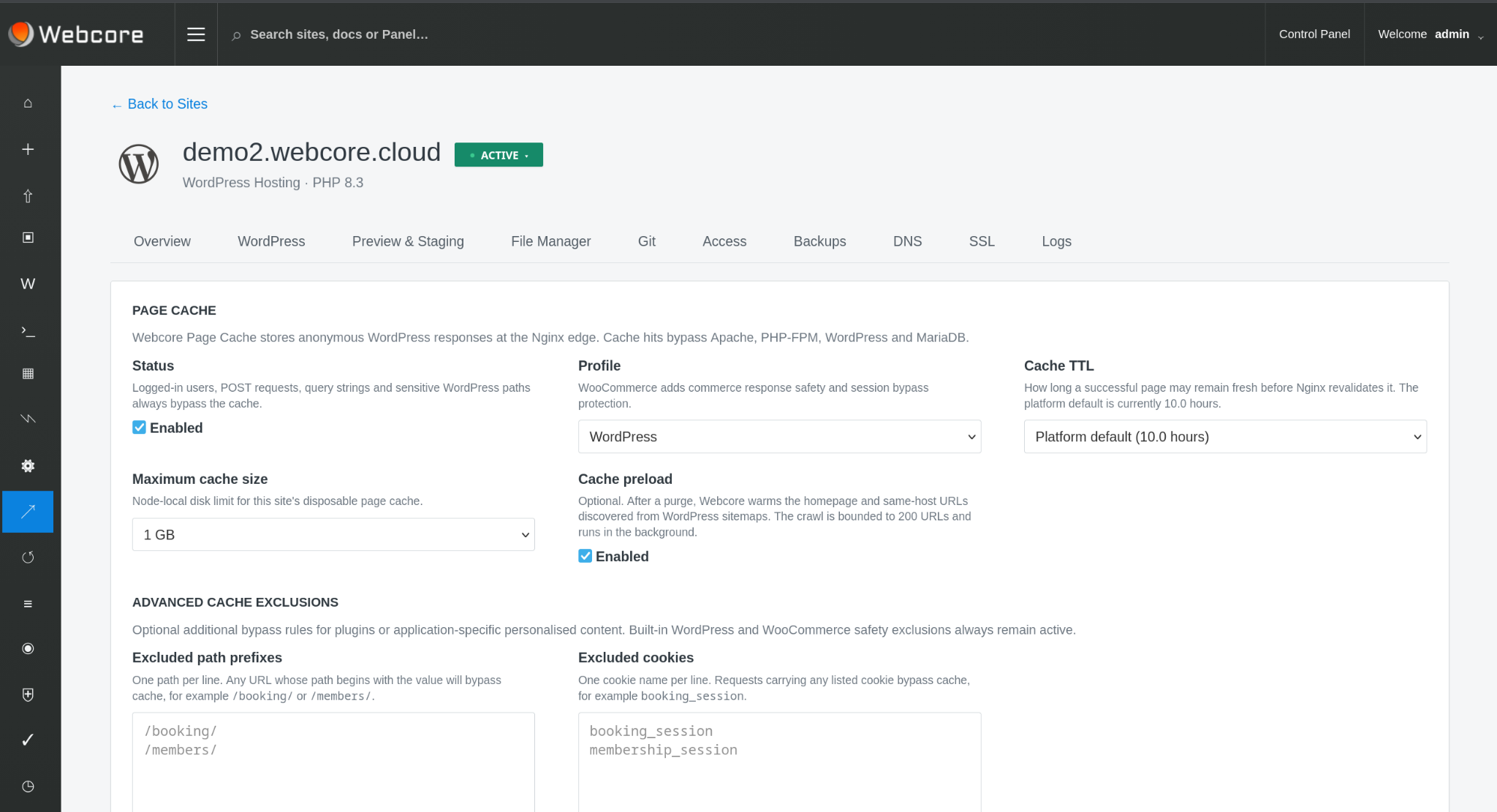
Nginx page caching and Redis object caching reduce unnecessary application and database work, while PHP and PHP-FPM controls provide a practical tuning surface for demanding workloads.
Dedicated infrastructure also gives Webcore a clearer resource boundary for capacity and quota governance without turning raw server administration into the customer interface.
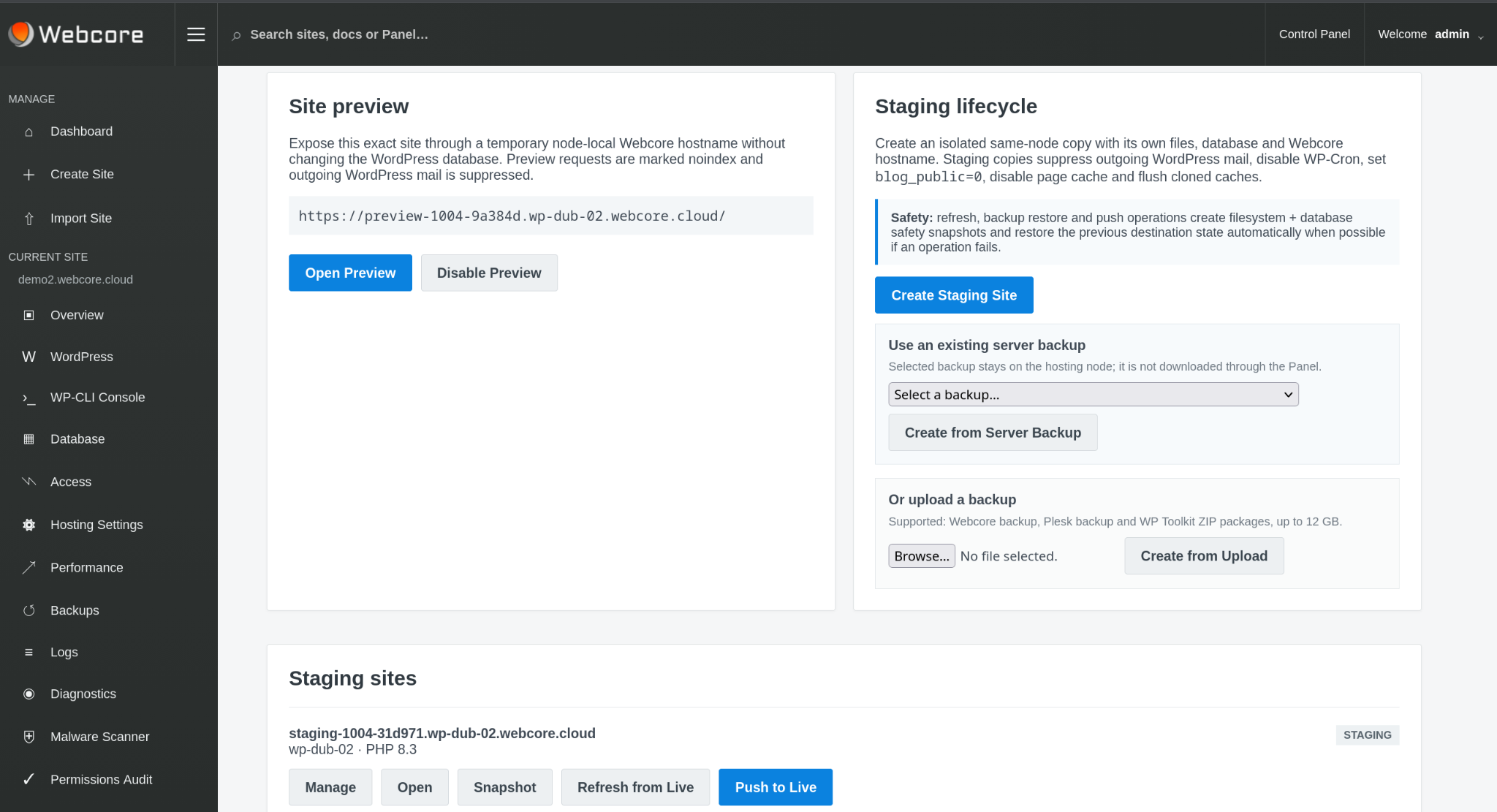
CHANGE CONTROL
Create isolated staging copies with separate files and databases, refresh them from live and push approved changes back when ready.
Git deployment, backups and staging provide controlled paths for application change with recovery points available before risky work.
RECOVERY & SECURITY
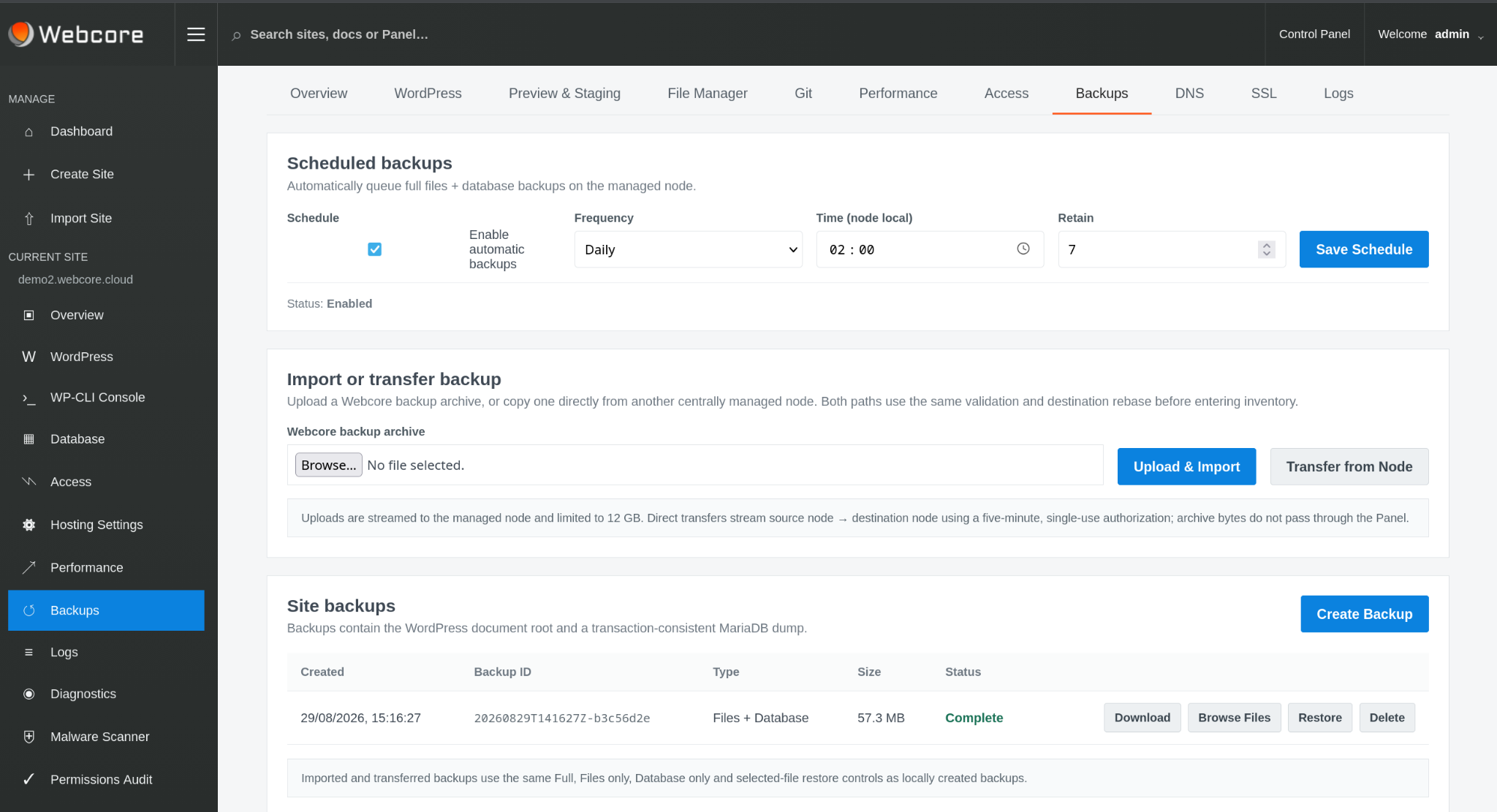
Scheduled and on-demand files-and-database backups sit alongside malware scanning, quarantine and remediation workflows in the same operating platform.
CERTIFICATES & DNS
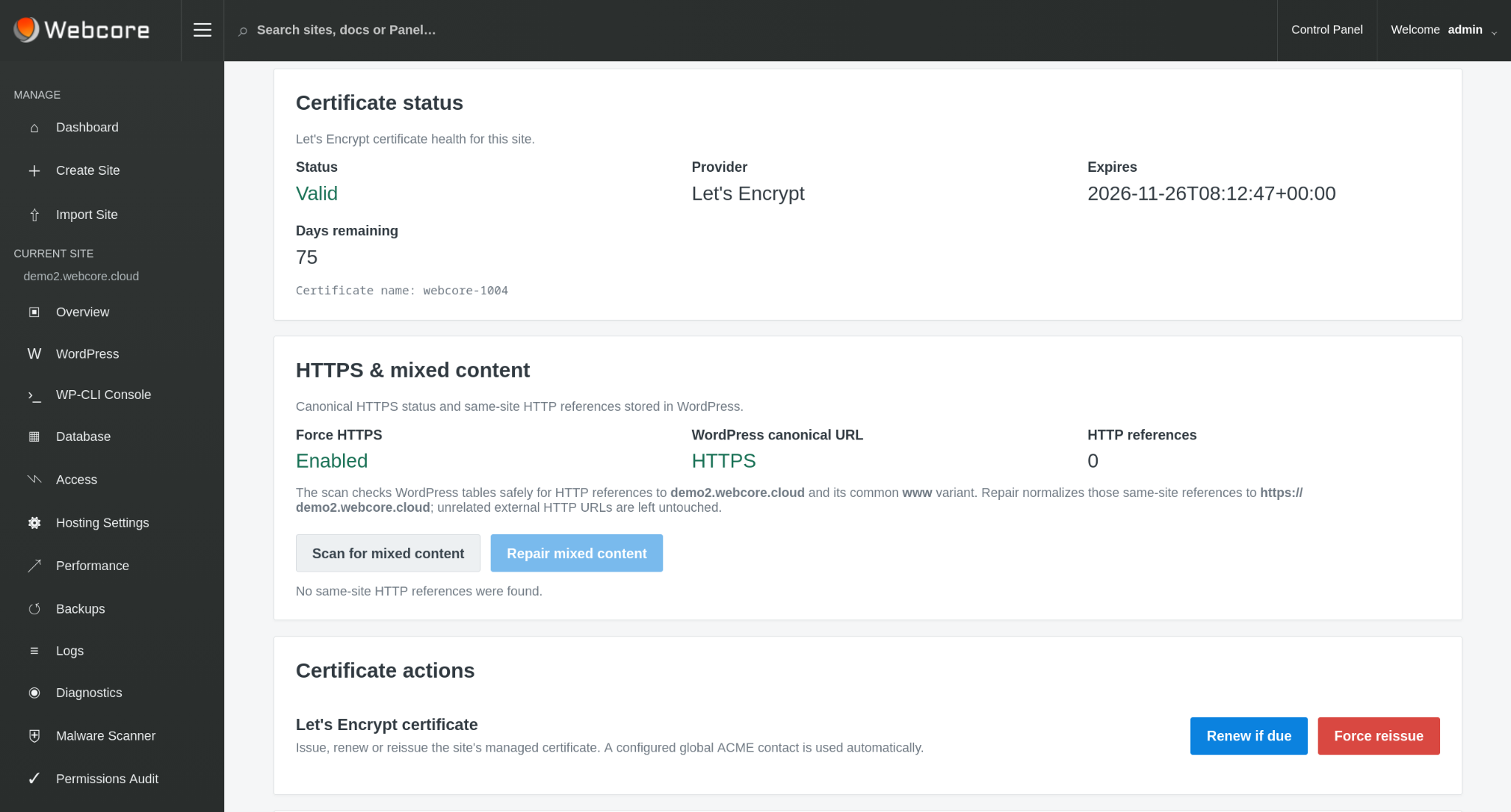
Certificate validity, expiry, HTTPS checks and public DNS state are surfaced as part of the managed application. Webcore retains responsibility for platform-wide DNS infrastructure unless the service design explicitly requires a different operating boundary.
WORKLOAD MOBILITY
Authorised site moves provide a controlled path between eligible hosting nodes when capacity, isolation or architecture requirements change.
The migration capability is deliberately separate from ordinary site administration so workload placement remains governed rather than becoming an incidental site control.
SSH & SFTP
Use an SFTP client to transfer site files, or connect over SSH for command-line work with WP-CLI. Access uses your SSH key and is confined to your site, without exposing other customers’ files or granting server administration.
SSH/SFTP must be enabled by platform and node policy, then activated for your site with a public key.
Connect with SSH or SFTP →ENTERPRISE WORDPRESS
We can start with the current architecture, traffic profile, isolation requirements, operational pain points, recovery objectives and the responsibilities your team wants Webcore to take on.