
Platform operated by Webcore
The hosting environment and WordPress management layer are operated as one service rather than assembled from unrelated products.
MANAGED WORDPRESS HOSTING
Managed WordPress hosting built and operated by Webcore, with performance, backups, staging, SSL, malware protection, WP-CLI and practical site controls in one service.
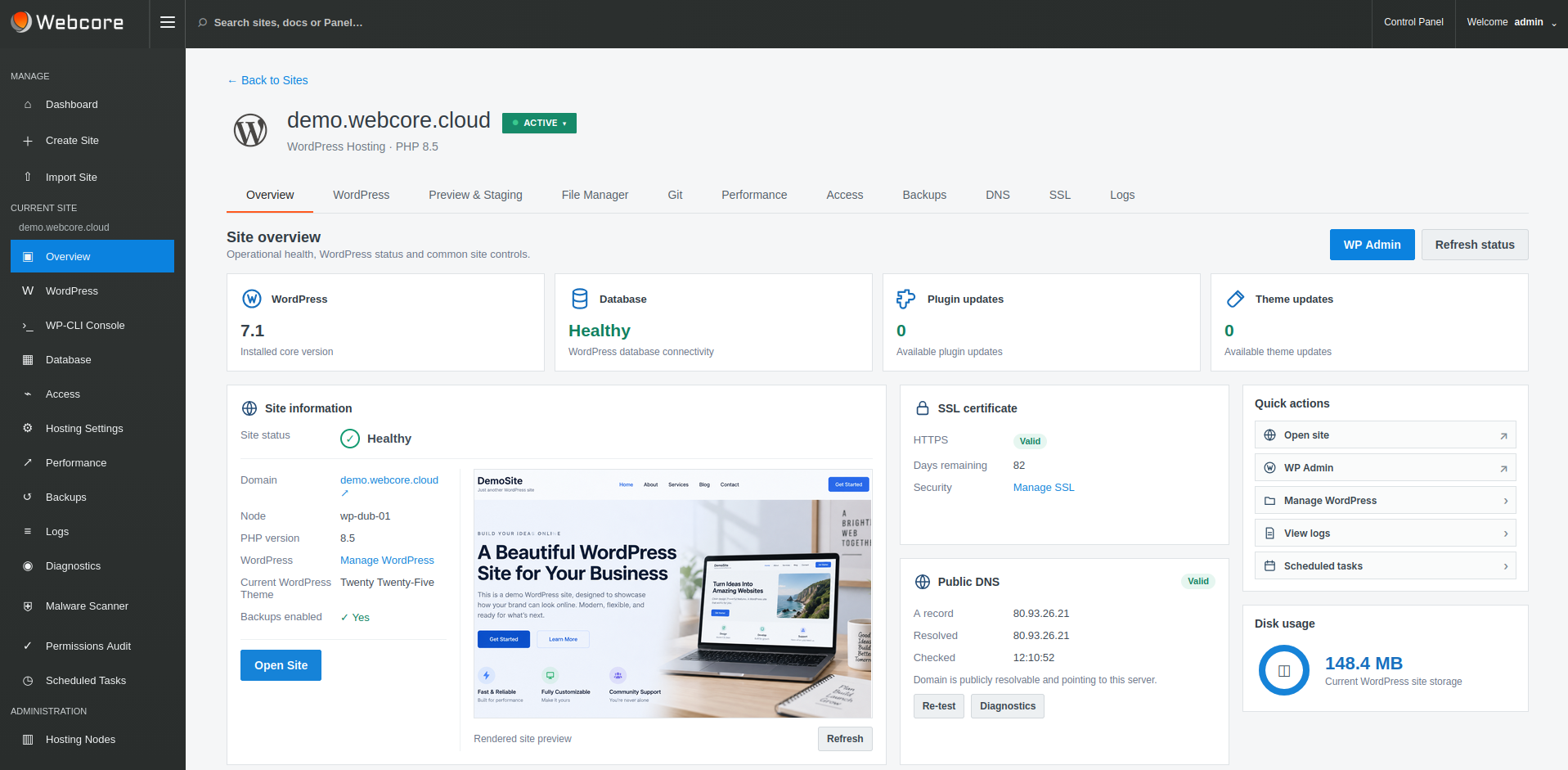
MANAGED MEANS MANAGED
Webcore takes responsibility for the hosting infrastructure while you retain control of your website, its content and how it serves your business. The managed service includes the operational tools and support needed to keep your site running.
The hosting environment and WordPress management layer are operated as one service rather than assembled from unrelated products.
Manage WordPress, performance, staging, backups, SSL and common site tasks through the Panel, with WP-CLI available for command-line WordPress work.
When a problem crosses the line between WordPress and hosting, there is one platform and one team responsible for the environment underneath it.
CLEAR RESPONSIBILITIES
Servers, hosting stack, infrastructure maintenance, platform monitoring and backup facilities.
Your content, publishing, design, business functionality and any custom application code.
Use the Panel for site tasks and recovery workflows; ask Webcore for help when a problem crosses into the hosting layer.
PERFORMANCE
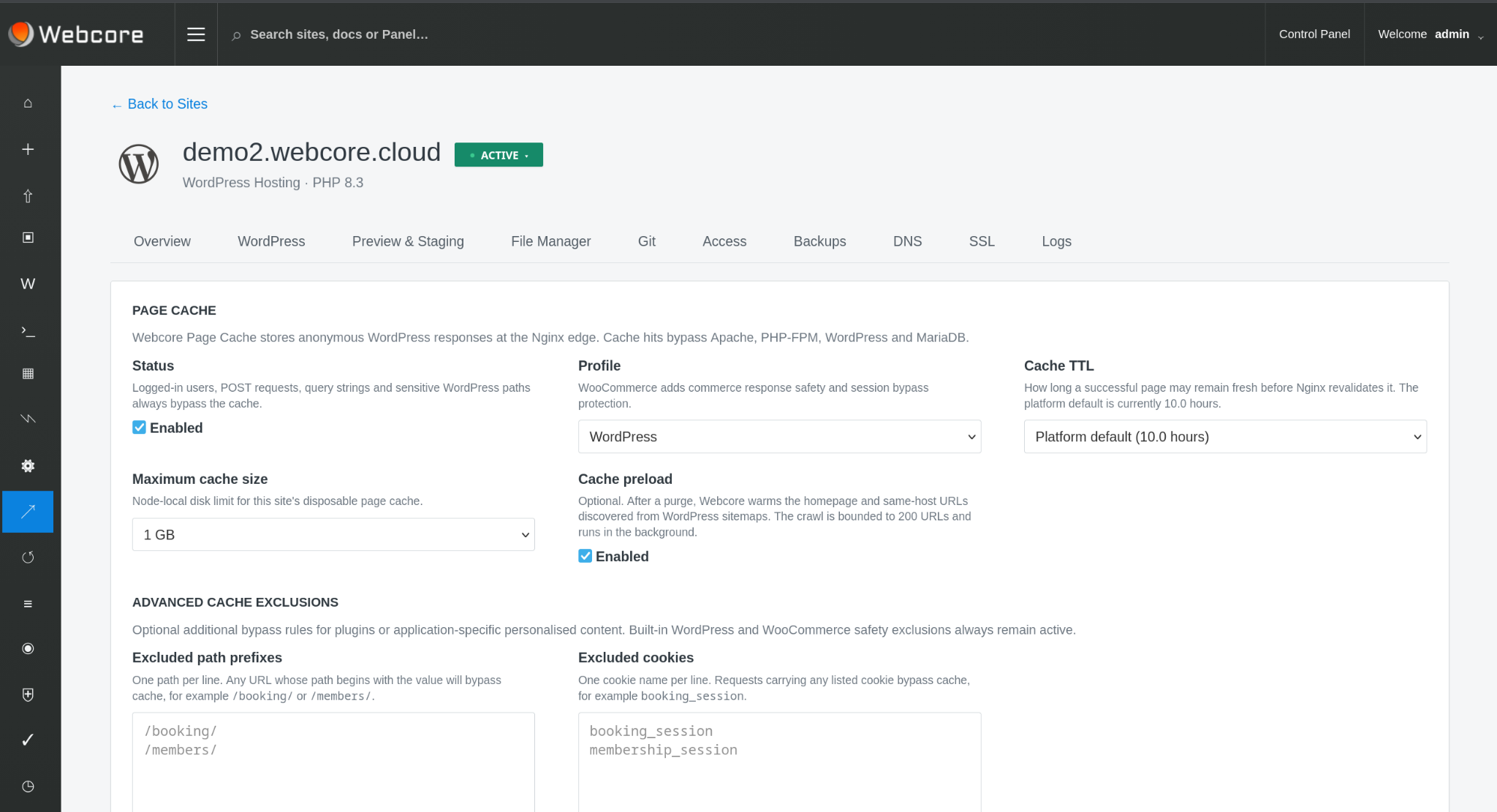
Nginx can serve cached pages directly while Redis object caching reduces repeated application and database work for requests that reach WordPress. Cache preloading warms important pages in advance, so visitors are less likely to be the request that rebuilds them.
BACKUPS & RECOVERY
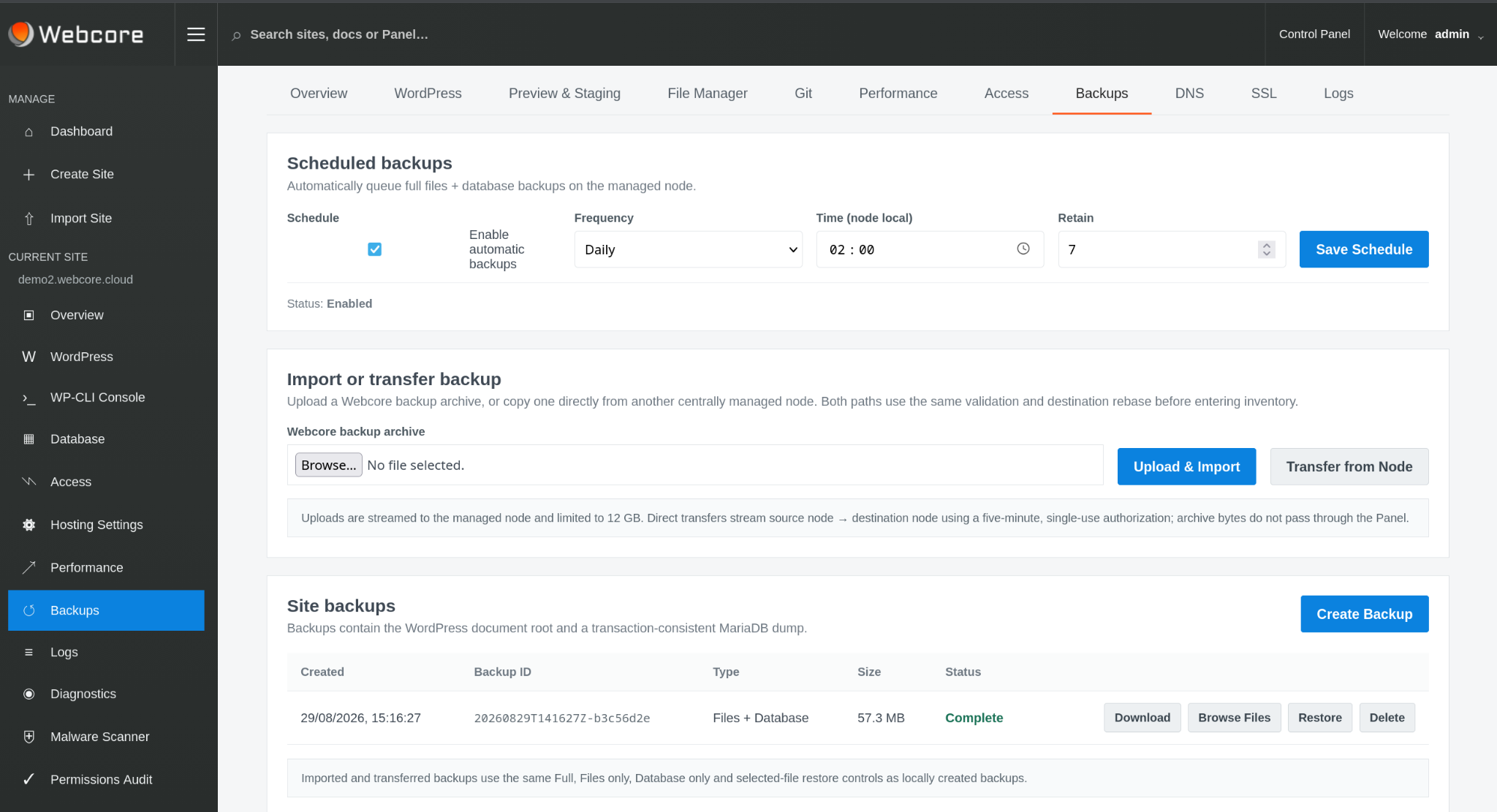
Create files-and-database backups, use scheduled protection and restore previous state from the same interface used to manage the site.
Webcore operates the backup infrastructure and scheduling underneath that workflow, so recovery does not depend on customers administering hosting nodes.
PREVIEW & STAGING
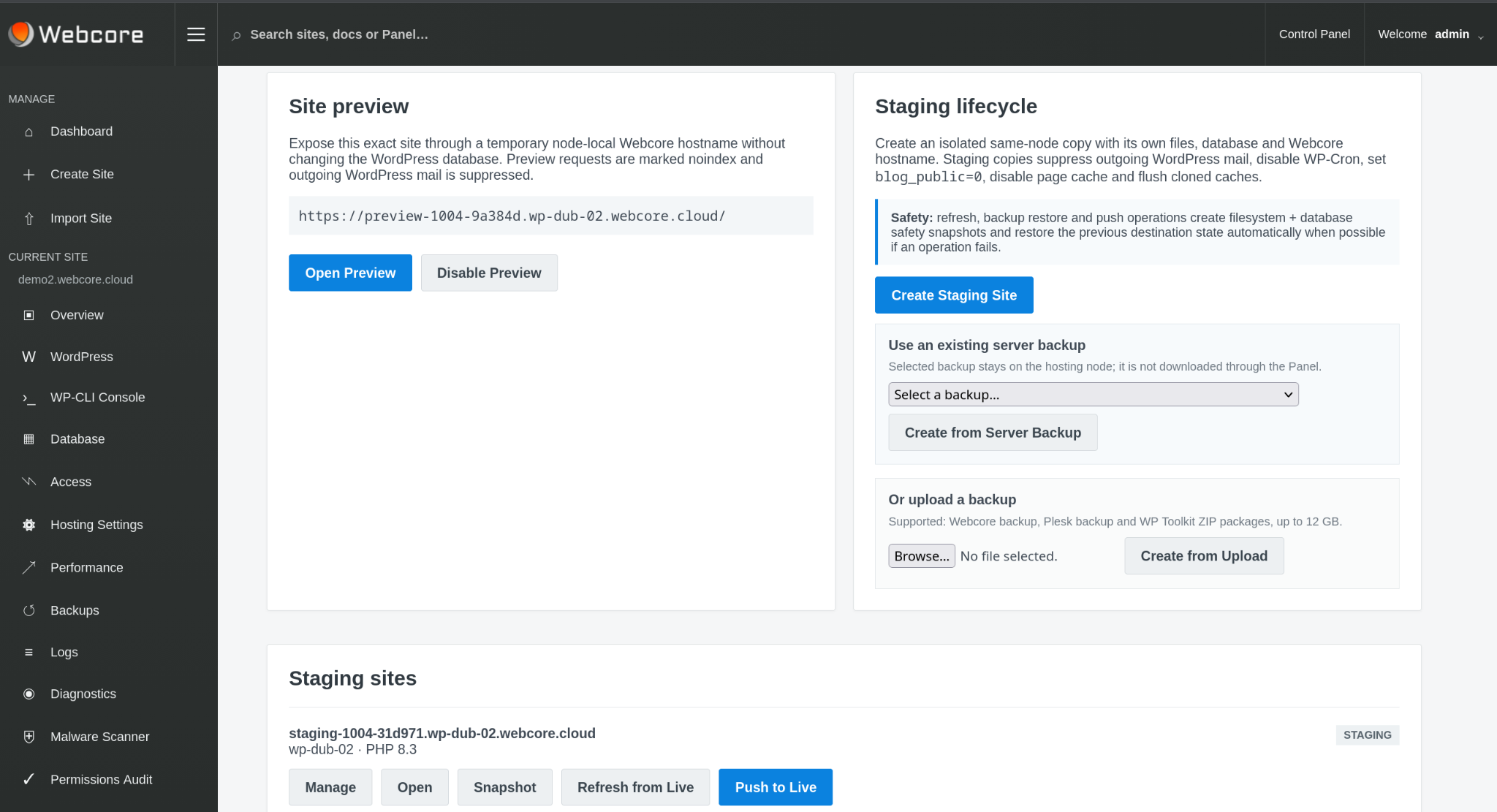
Create an isolated staging copy with its own files and database. Refresh it from live, take snapshots and push changes back when the work is ready.
Staging safety controls suppress outgoing WordPress mail, disable WP-Cron, discourage indexing and disable page cache by default.
WORDPRESS & WP-CLI
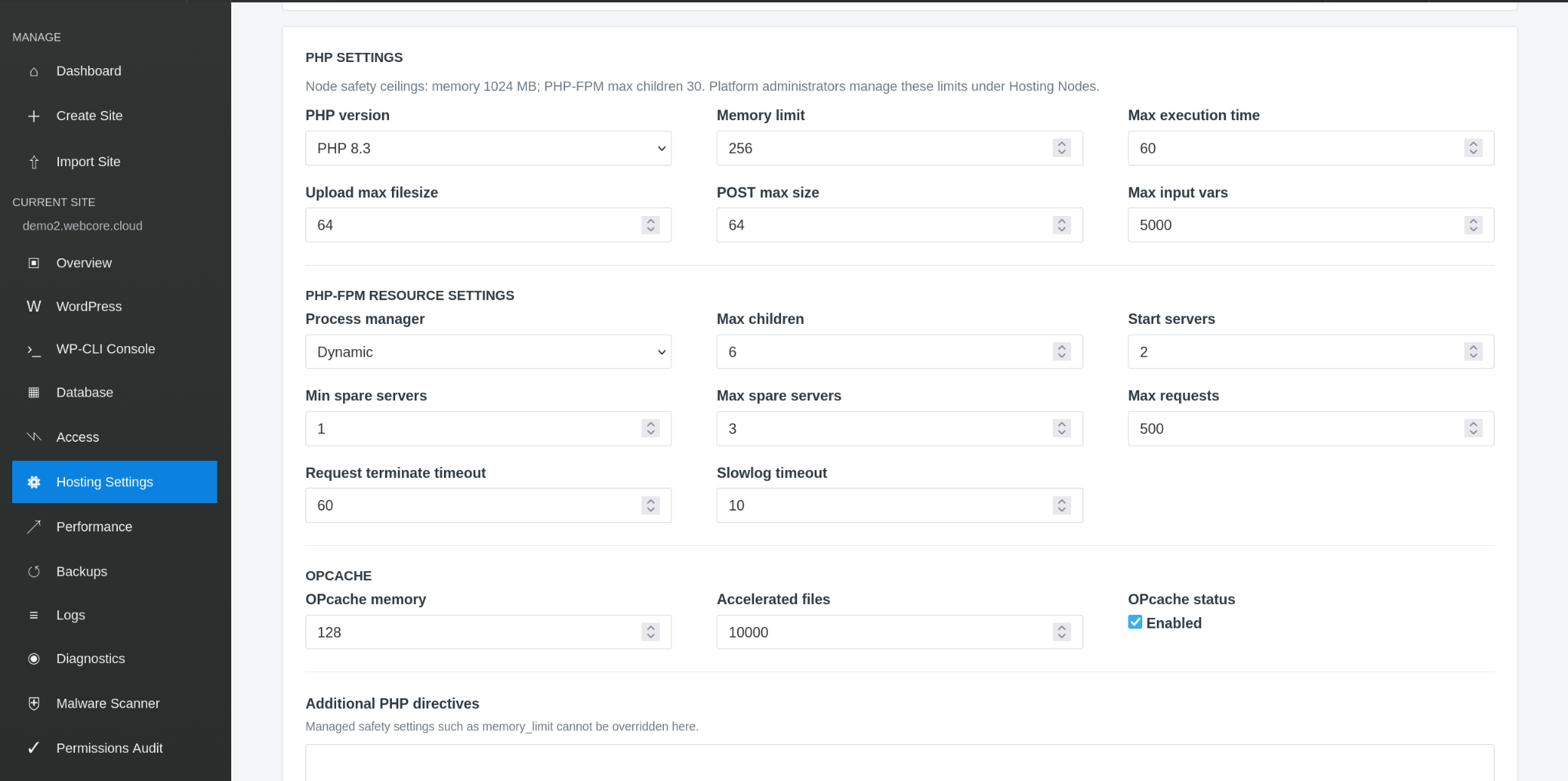
Manage WordPress and supported PHP settings from the Panel, or use WP-CLI for command-line WordPress administration and maintenance. Webcore remains responsible for node-level runtime and infrastructure management on shared hosting.
SSL & SECURITY
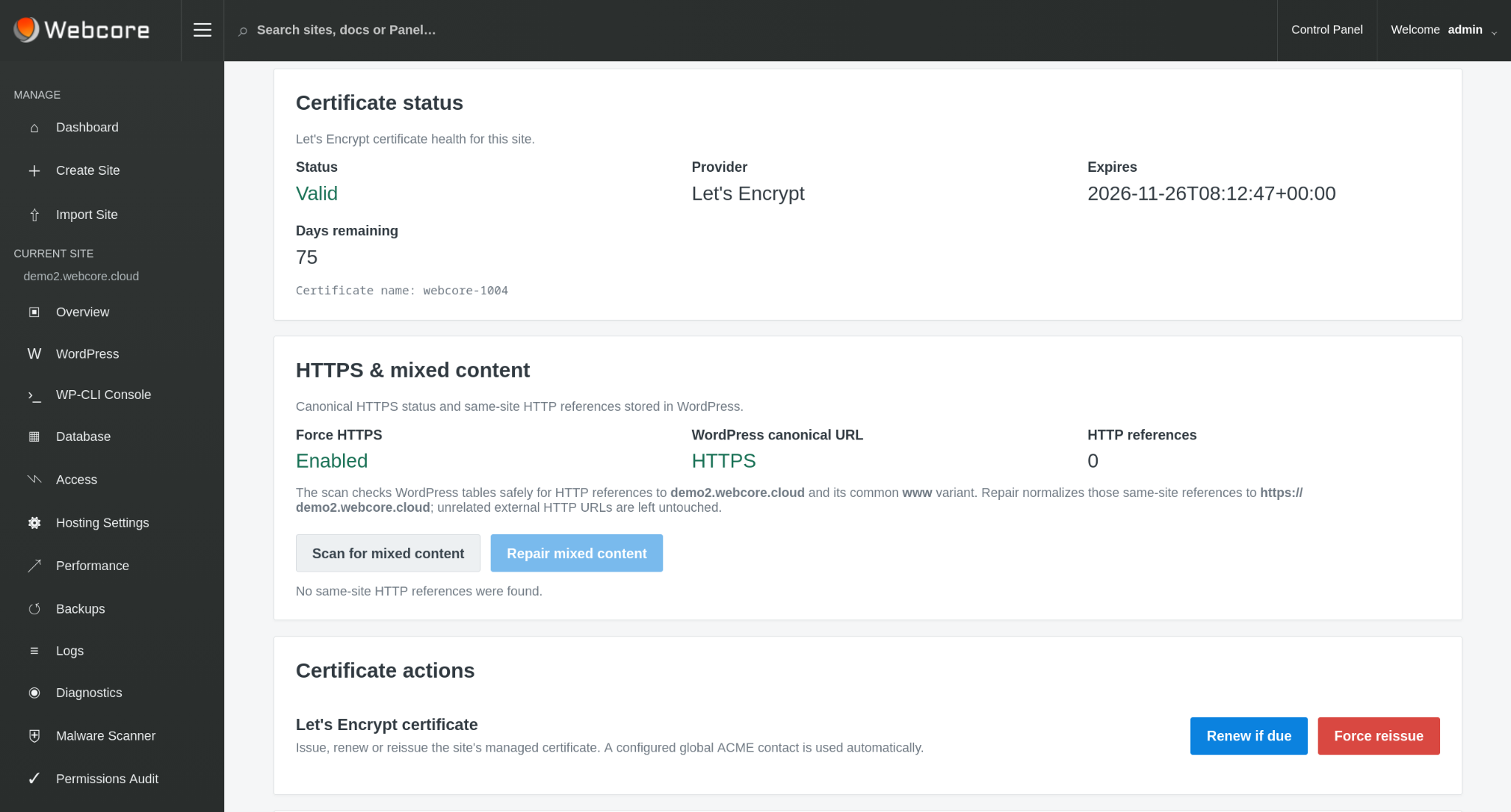
See certificate health and HTTPS checks alongside malware scanning and remediation workflows designed for the WordPress site itself.
MIGRATION
Existing WordPress installations can be imported into the managed platform. Webcore can inspect recognised backup formats before the destination is created or replaced.
Explore WordPress Migration →SSH & SFTP
Use an SFTP client to transfer site files, or connect over SSH for command-line work with WP-CLI. Access uses your SSH key and is confined to your site, without exposing other customers’ files or granting server administration.
SSH/SFTP must be enabled by platform and node policy, then activated for your site with a public key.
Connect with SSH or SFTP →WEBCORE MANAGED WORDPRESS
Start with managed hosting for your WordPress site. Bring an existing site or create something new, with Webcore looking after the platform.