
Inspect the source
Start with the existing site or backup and identify the files, database and runtime requirements that need to move.
WORDPRESS MIGRATION
Bring an existing WordPress site into the Webcore platform using a recognised backup or a files-and-database import, then validate it before it becomes the live site.
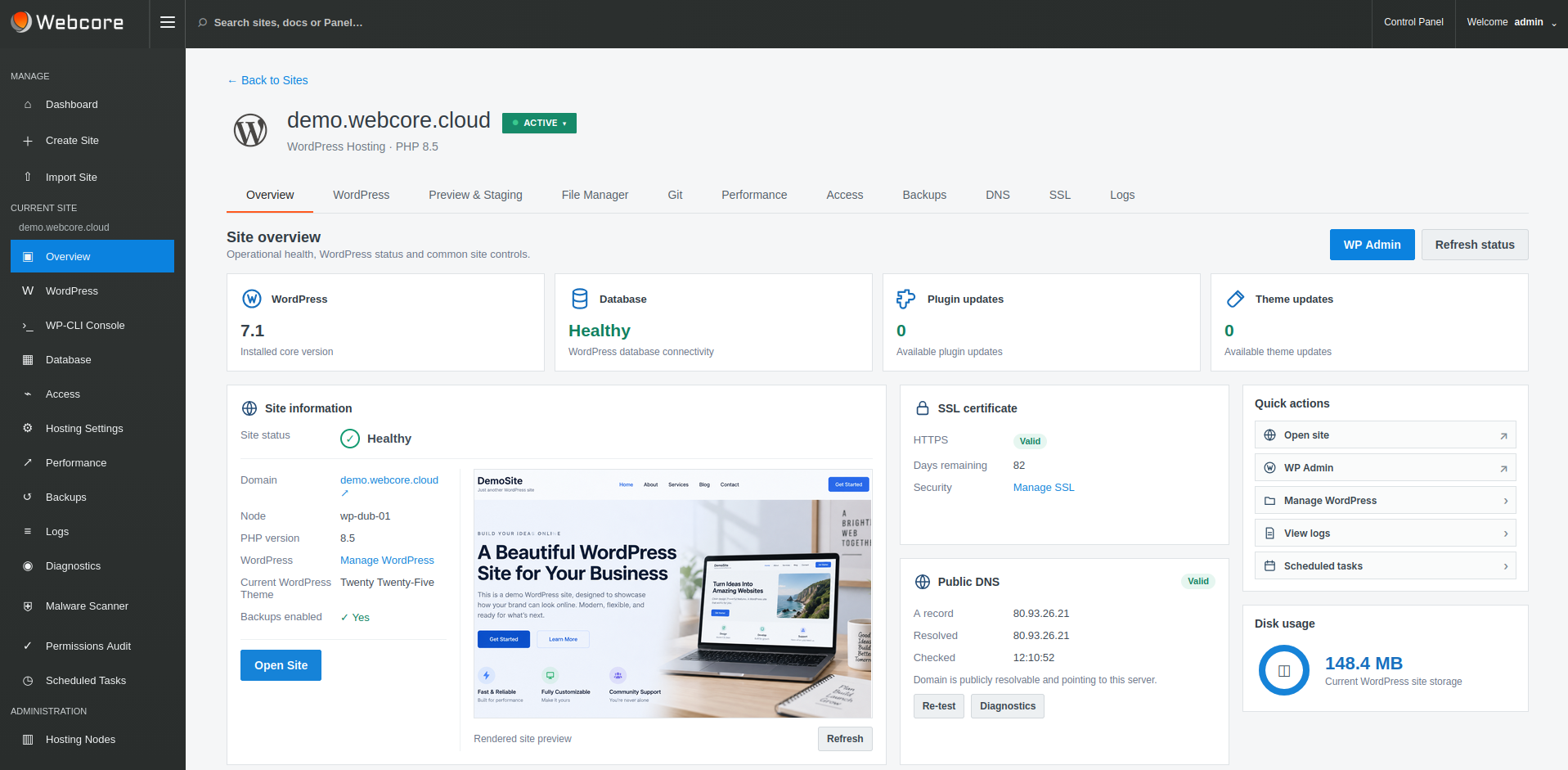
A CONTROLLED MOVE
A WordPress migration is more than copying files. The application, database, PHP runtime, SSL, caching and operational settings all need to arrive in a state that can be checked before visitors are sent to the new platform.
Start with the existing site or backup and identify the files, database and runtime requirements that need to move.
Import into the Webcore platform with the WordPress application and hosting environment managed together.
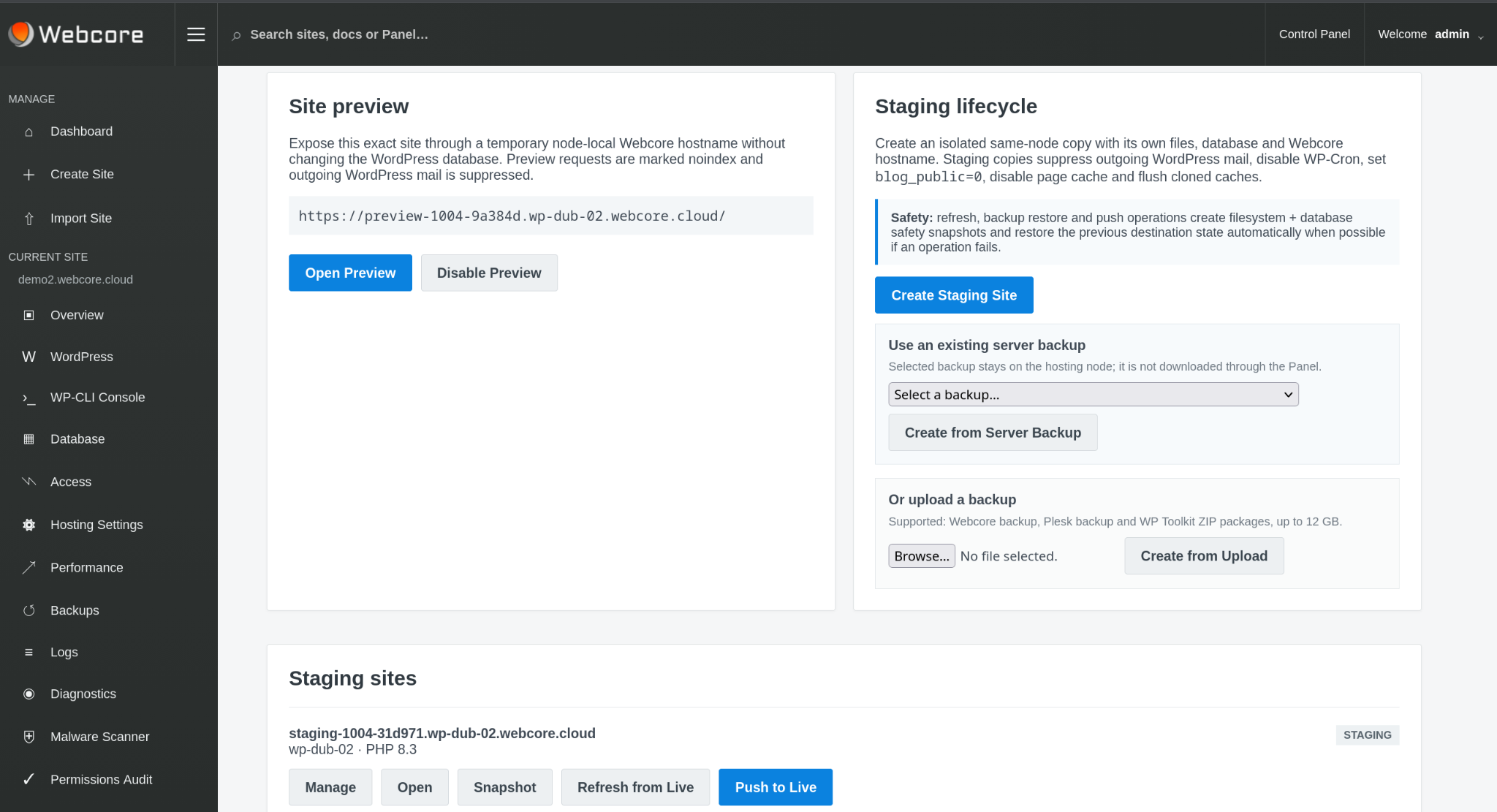
Use preview and staging workflows to check the migrated site before changing the production traffic path.
IMPORT OPTIONS
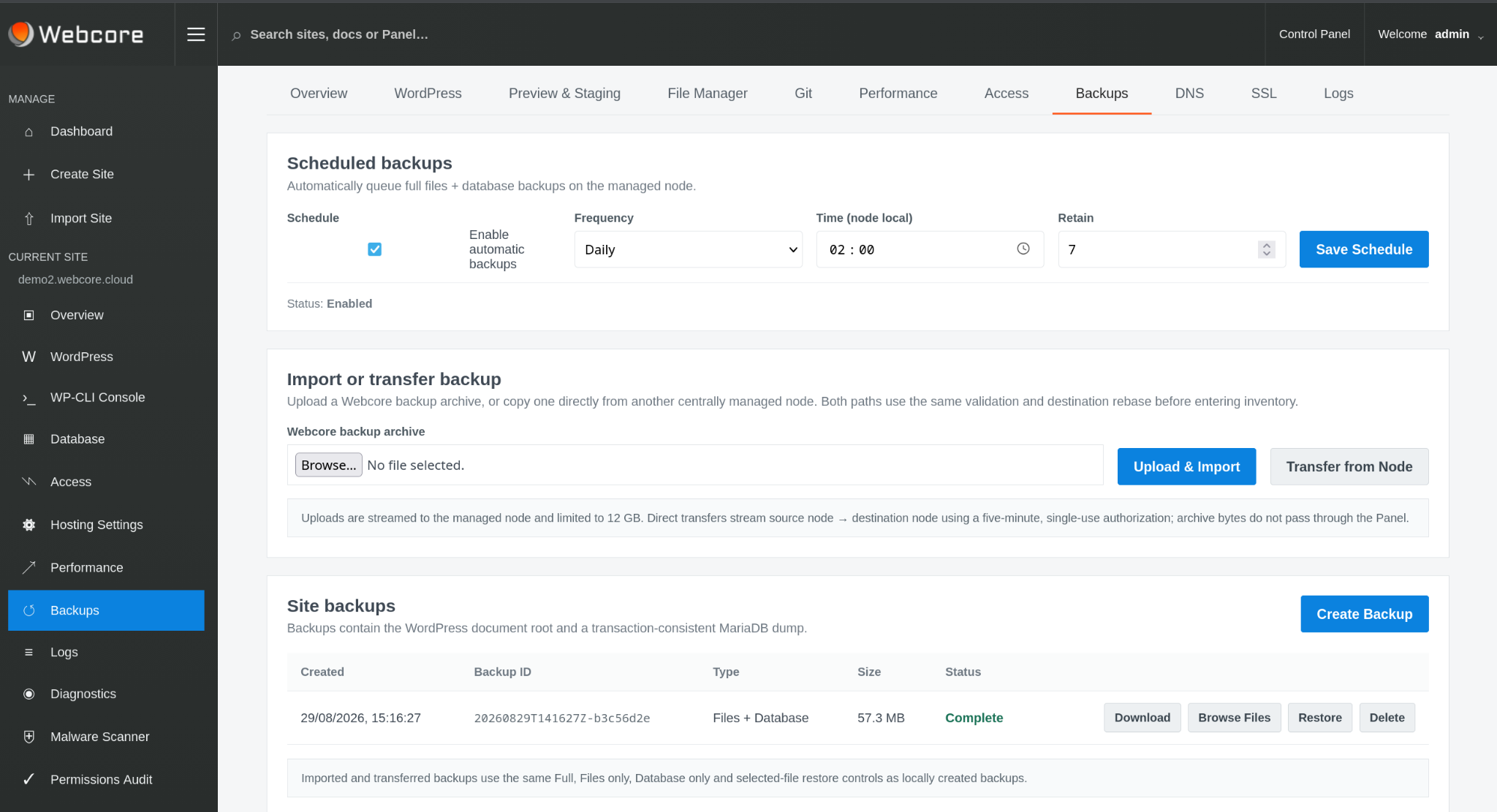
The platform can work with existing WordPress sites, Webcore backups, recognised Plesk and WP Toolkit backups, or a files-and-database import.
The point is not to force every migration through one proprietary path. The destination is a normal WordPress application managed by the Webcore platform.
Bring an existing installation into the platform.
Restore a site from a Webcore backup set.
Use recognised backup formats from existing hosting.
Import the application when a packaged backup is not available.
PREVIEW & STAGING
Preview and staging provide a controlled place to test the application, WordPress admin, plugins, theme behaviour and the hosting runtime before cutover.
Staging copies use their own files and database and apply sensible safety defaults including mail suppression, disabled WP-Cron, discouraged indexing and disabled page cache.
POST-MIGRATION CHECKS
A successful migration includes WordPress health, the database, PHP runtime, SSL, caching and the operational controls needed after launch.
RUNTIME
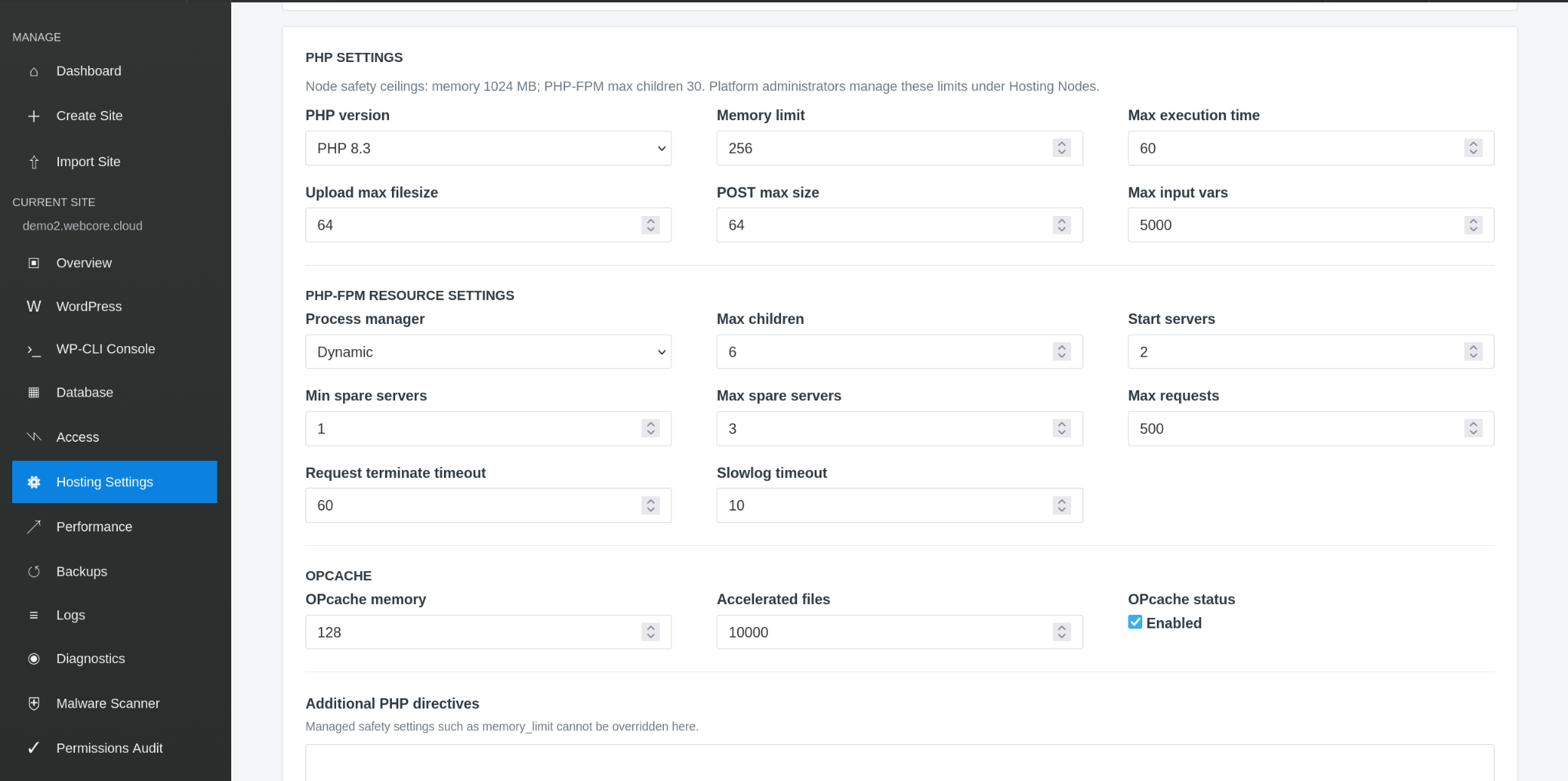
PHP version, memory, execution limits and PHP-FPM resources remain visible after the move so the new environment can be tuned around the application.
SSL & DNS
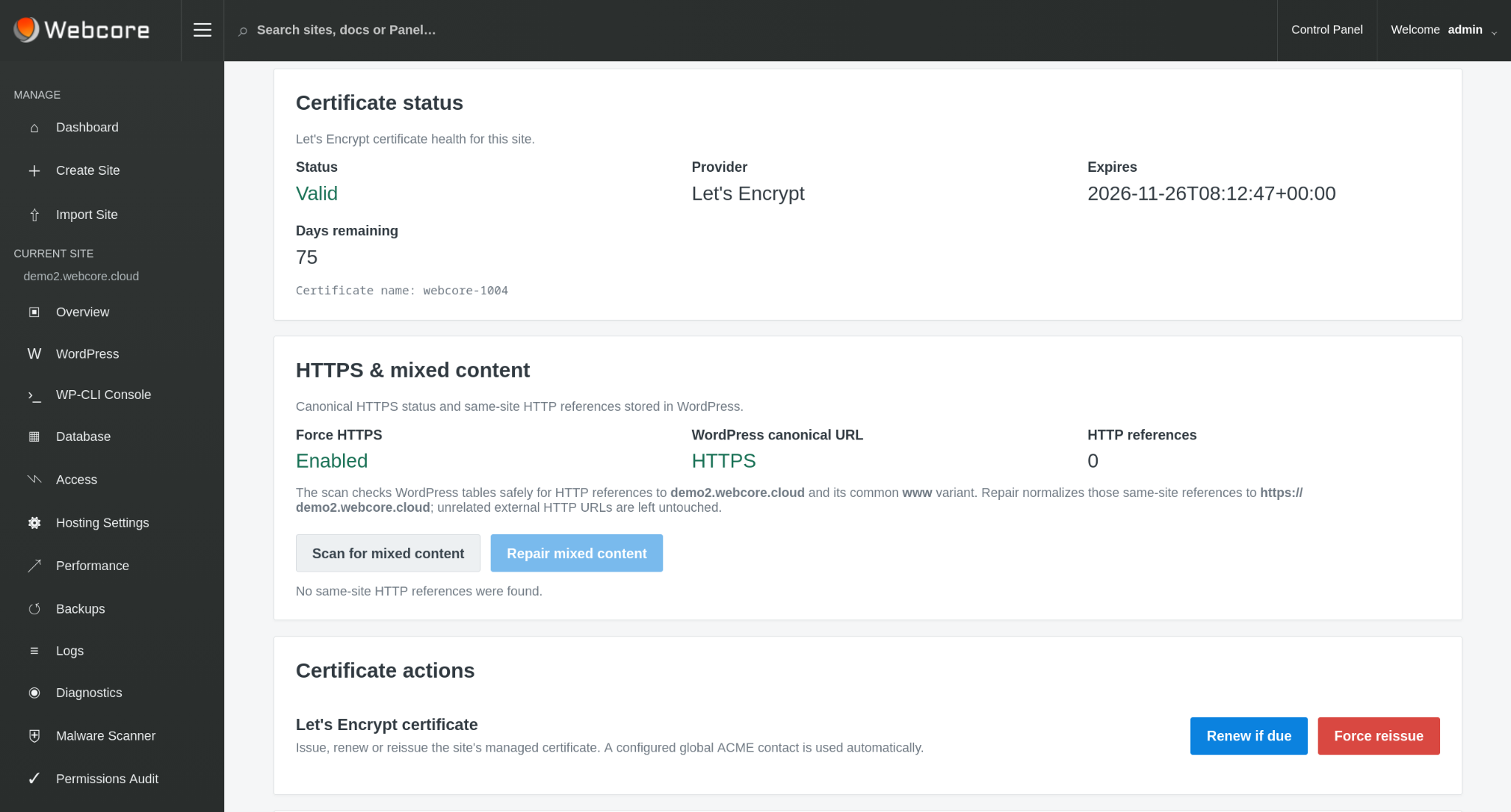
Certificate health, expiry, public DNS validation and mixed-content checks are visible from the site management interface.
RECOVERY
Once the site is on the Webcore platform, files-and-database backups and restore controls become part of the same operating environment used to manage WordPress.
The migration is finished when the new site is not only live, but manageable and recoverable.
MOVE TO WEBCORE
Show us the current WordPress site, hosting environment or backup format. We can work from the application you already have rather than asking you to rebuild it.