The complete WordPress management platform for your own infrastructure — from an all-in-one server for developers and agencies to multiple hosting nodes for enterprises and hosting providers.
You operate the infrastructure and the service. Webcore provides the WordPress platform.
Run your own server
Install the Panel and hosting node together for an all-in-one environment. Manage your WordPress sites, PHP runtimes, databases, DNS, backups and access from one interface.
For developers and agencies used to a server control panel who want WordPress workflows built in.
Run a hosting platform
Manage multiple hosting nodes, site placement, customer accounts and delegated access from a central Panel.
For enterprises, MSPs and hosting providers operating a WordPress service on their own infrastructure.
BUILD A WORDPRESS PLATFORM
More than a server control panel.
Webcore Panel connects infrastructure, WordPress operations and customer access in one control plane. The organisation licensing the Panel operates the platform rather than consuming only the site-level controls of Webcore Managed WordPress.
01
Operate the fleet
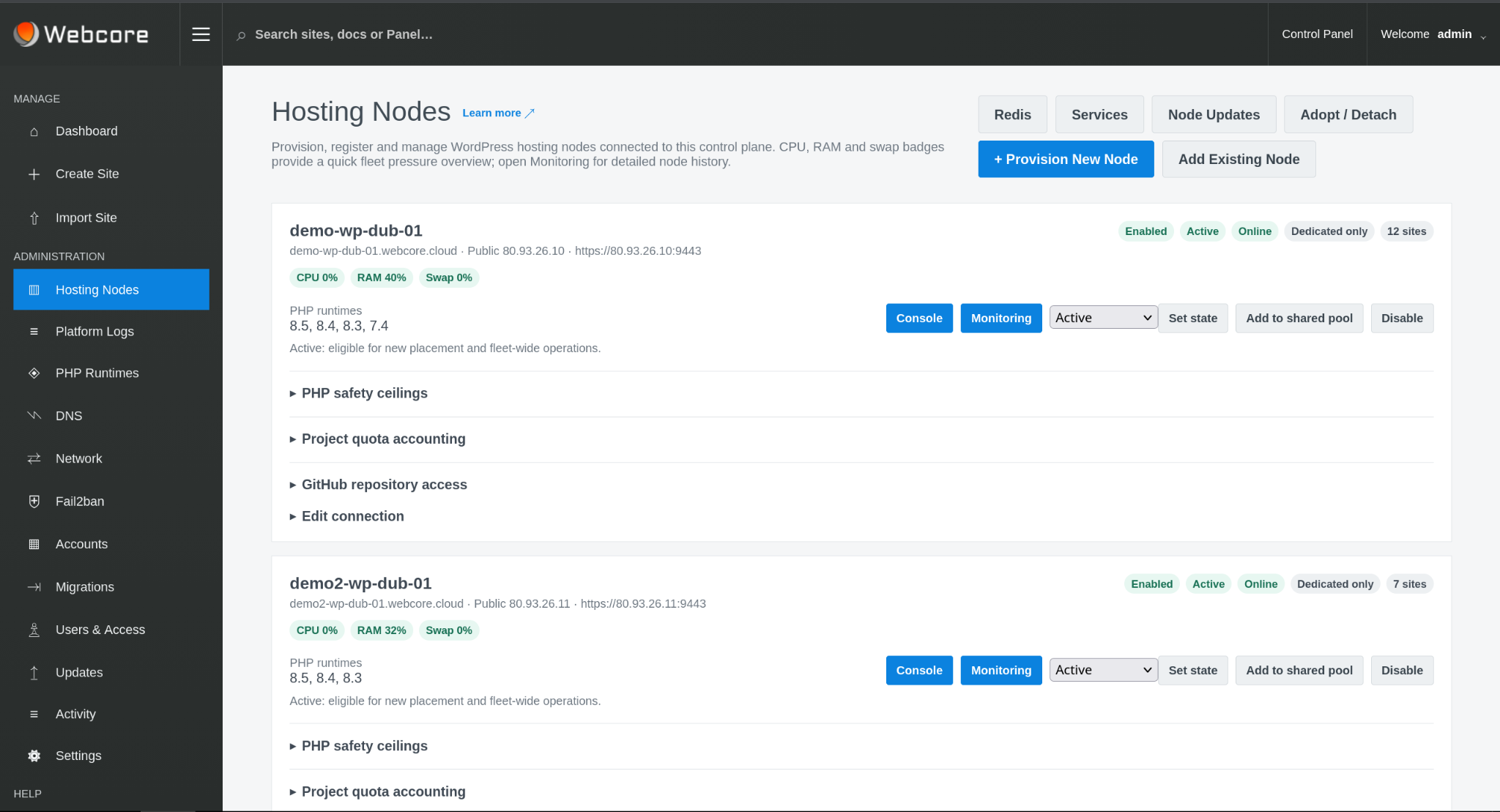
Provision and manage hosting nodes, service state, shared-pool eligibility, capacity and runtime availability.
02
Operate WordPress
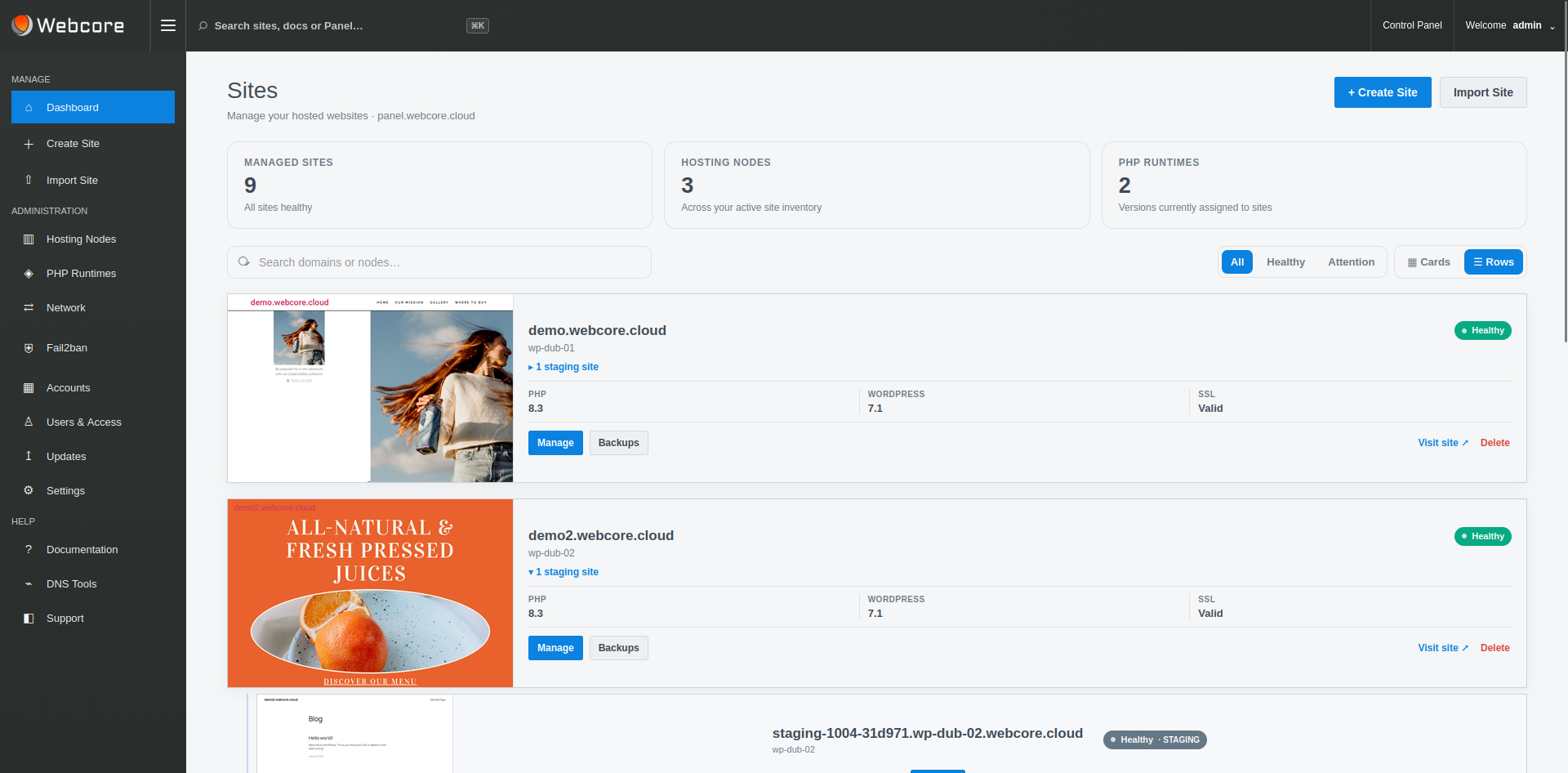
Create, import, deploy, move, protect, recover and troubleshoot sites using a consistent application-aware workflow.
03
Delegate safely
Separate platform, account, node and site responsibilities so downstream users receive the controls appropriate to their role.
FLEET & HOSTING NODES
One control plane for the WordPress infrastructure.
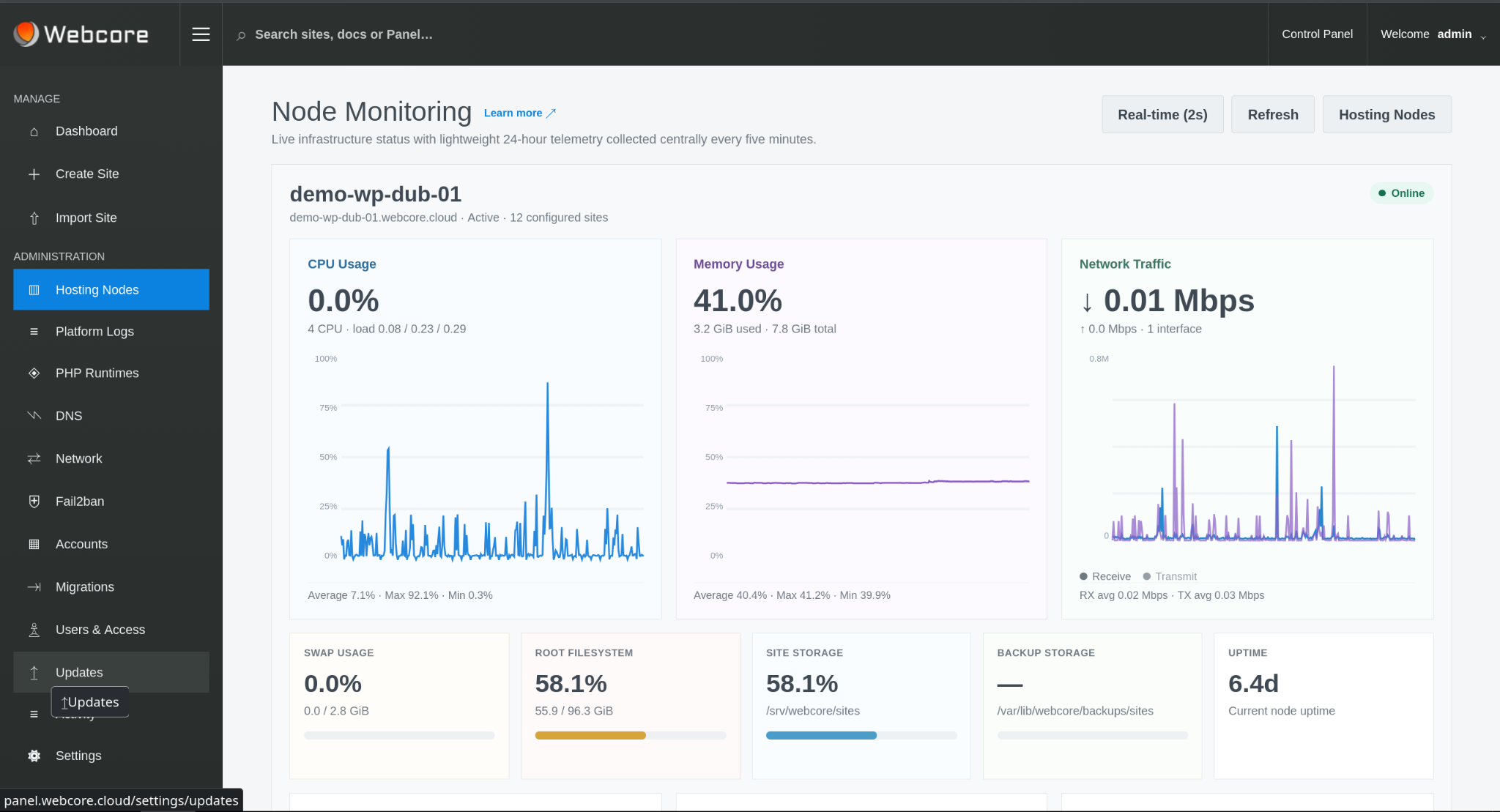
Connected nodes expose operational state, installed PHP runtimes, service readiness, site counts and capacity telemetry. Nodes can participate in shared placement, enter maintenance or be removed from eligibility without treating each server as a separate management island.
Capacity-aware placement combines node eligibility with current fleet state when selecting infrastructure for new shared workloads.
PROVISIONING & RUNTIMES
Bring infrastructure into a standard operating model.
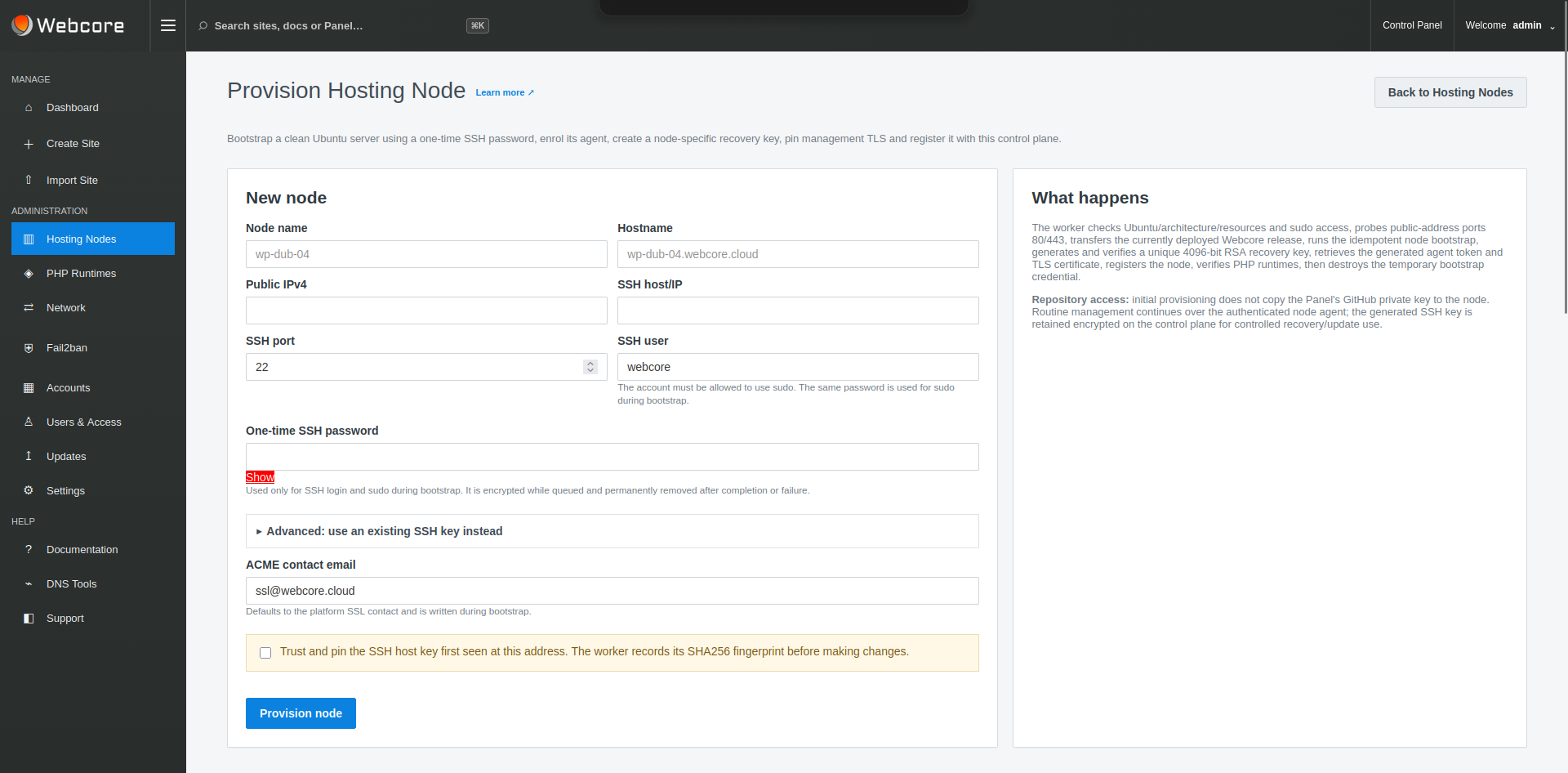
Provision clean Ubuntu infrastructure into managed hosting nodes, establish the authenticated agent relationship and manage supported PHP runtimes across the fleet.
Runtime availability at node level then feeds the controlled PHP choices exposed to individual sites.
WORDPRESS OPERATING LAYER
The platform does not stop at the server.
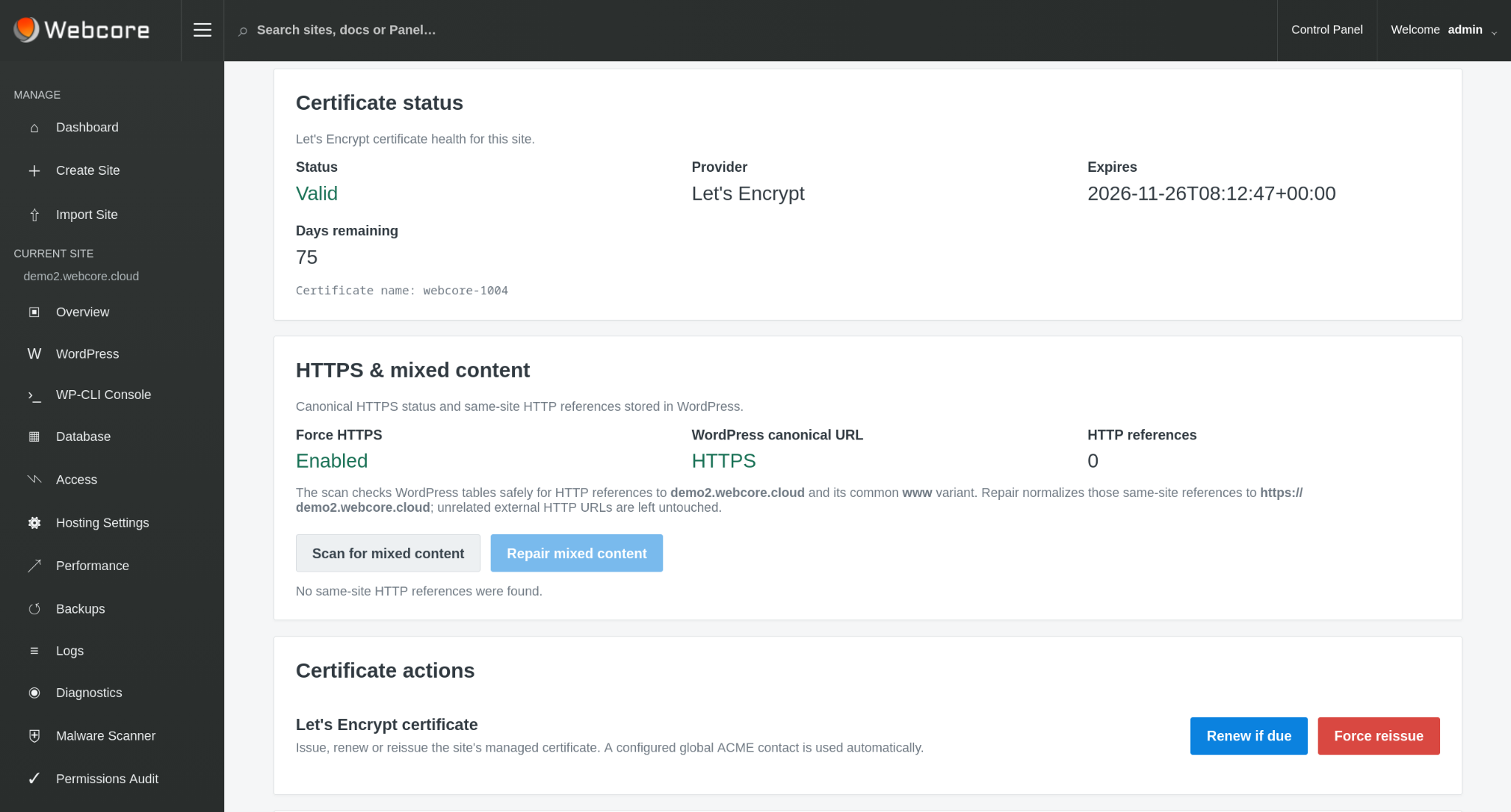
Managed sites inherit WordPress management, Git deployment, Nginx page caching, Redis object caching, staging, backups, SSL, files, scheduled tasks, logs, diagnostics and malware scanning with quarantine and remediation workflows.
That application layer is what lets infrastructure operators deliver a managed WordPress service rather than simply exposing servers.
MIGRATIONS & SITE MOVES
Move workloads through controlled workflows.
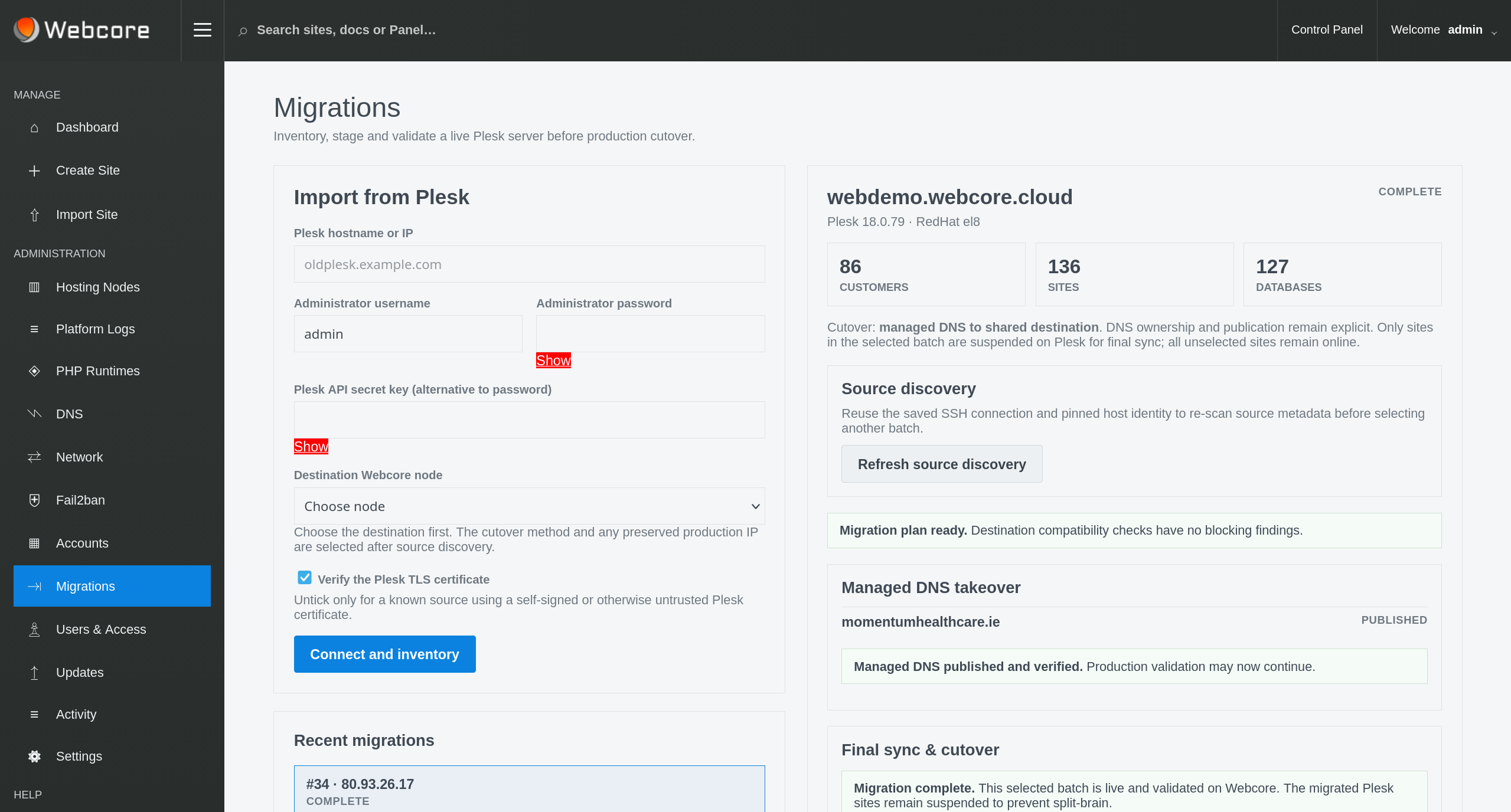
Import existing WordPress estates and move managed sites between hosting nodes using persistent migration workflows designed around pre-copy, cutover, recovery and finalisation rather than ad-hoc file copying.
Site migration permission is independently governable so downstream account administrators can be allowed to move their workloads without receiving platform-wide control.
DNS & EDGE OPERATIONS
Keep DNS and application cutover in the same operating context.
Platform administrators can manage DNS zones, import existing zones for review and coordinate publication with site creation and migration workflows.
Site-level DNS and SSL state remains visible to appropriate users while global DNS administration stays with the platform operator.
USERS & ACCESS
Infrastructure access is not the same as account or site access.
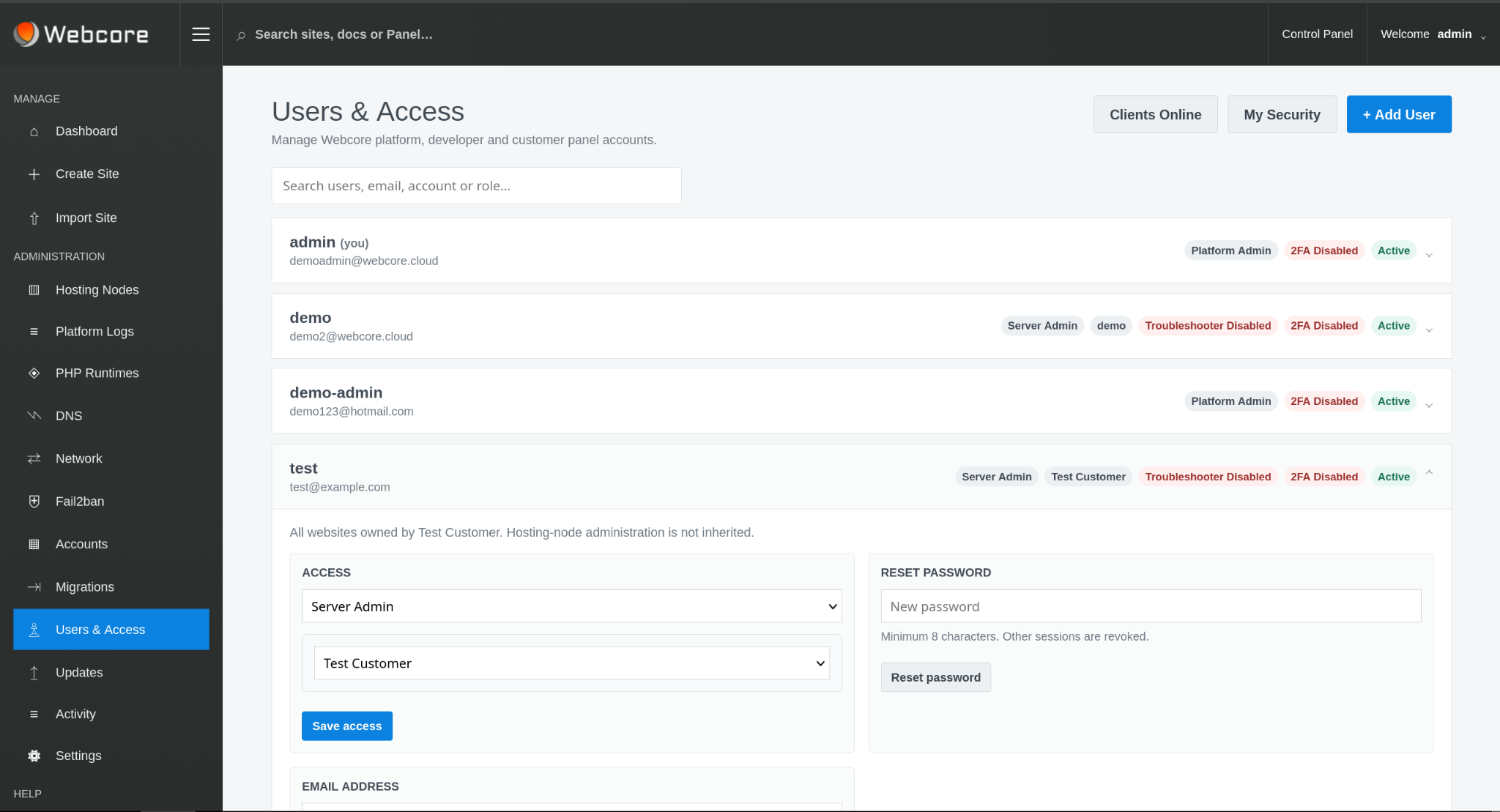
Platform Admin, Server Admin and Site Admin responsibilities are separated, while node access can be granted explicitly when a downstream operator is responsible for dedicated infrastructure.
Platform administrators govern SSH/SFTP at platform and node level. Authorised site users add or revoke public keys and enable site access within that policy. Sessions are scoped to the site; server administration remains separate.
PLATFORM OPERATIONS
Operate services, resources and releases as part of the platform.
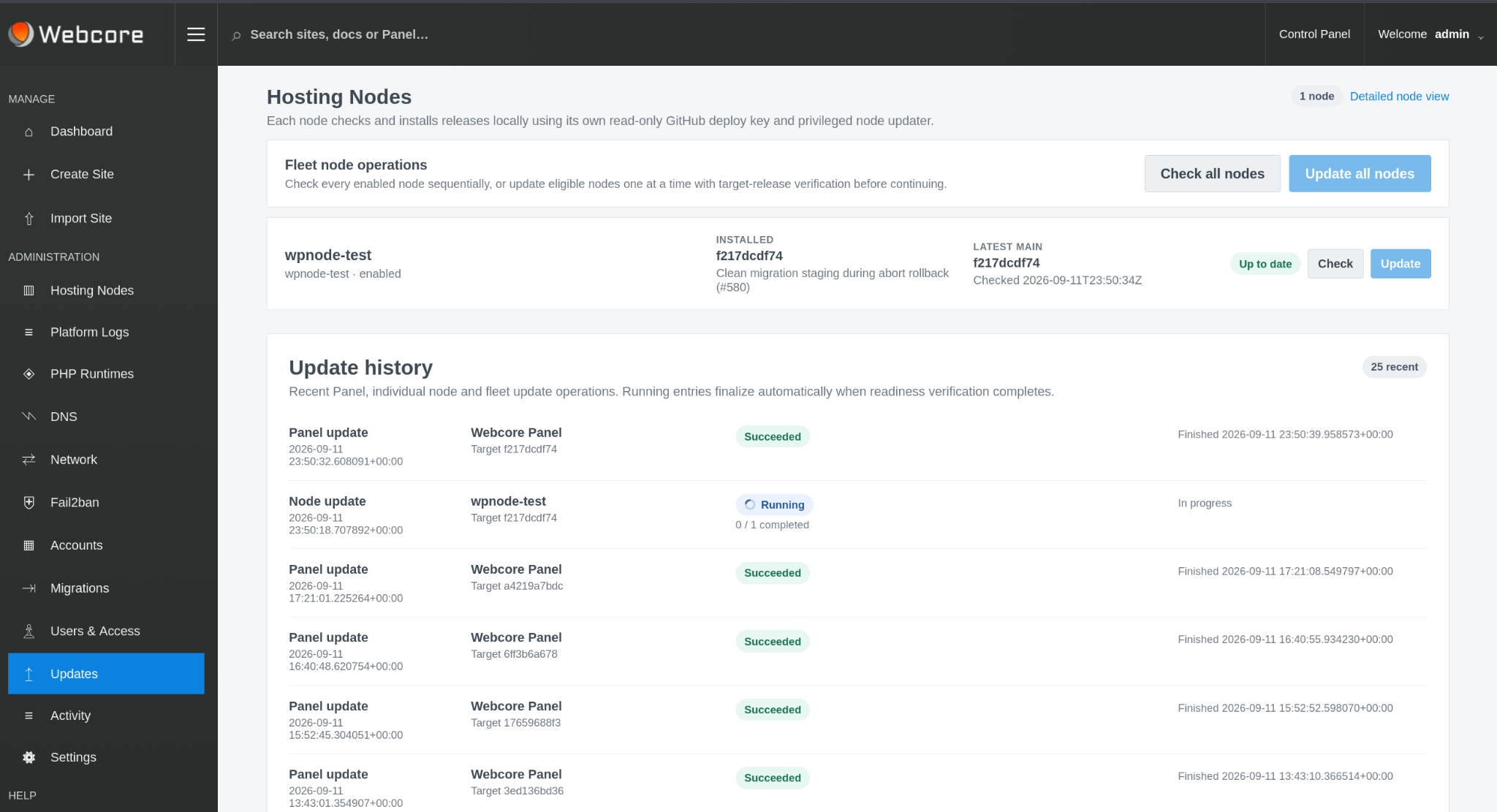
Inspect hosting-stack services, configure supported recovery behaviour, manage fleet PHP runtimes and keep Panel and node releases on known versions from the administrative interface.
Resource and quota capability can be reconciled at node level so infrastructure governance remains an operator concern rather than an uncontrolled site setting.
THE COMPLETE OPERATING MODEL
Build, run, develop, protect, observe and operate.
Webcore Panel combines the infrastructure and application layers required to deliver managed WordPress as a repeatable service.
Build
Provision nodes and create or import WordPress sites.
Run
Manage runtimes, resources, caching, services and workload placement.
Develop
Use Git, staging, files and scheduled-task workflows.
Protect
Operate backups, SSL, malware remediation and isolation controls.
Observe
Use global search, logs, diagnostics, site status and fleet telemetry.
Operate
Manage accounts, access, DNS, migrations, nodes and platform releases.
WHO IT IS FOR
Run managed WordPress as part of your own service.
Webcore Panel is designed for organisations that need a repeatable WordPress operating platform while retaining control of the underlying infrastructure and customer relationship.
AGENCIES
Operate the sites you build
Move beyond unrelated hosting accounts and build a consistent WordPress service on infrastructure you control.
MSPS & HOSTING PROVIDERS
Add a managed WordPress platform
Use your infrastructure and operating model while Webcore supplies the WordPress control plane.
ENTERPRISE & INTERNAL IT
Standardise WordPress operations
Give teams a governed application platform instead of treating every WordPress deployment as a bespoke server workload.
LICENSING
Licensing built around your deployment.
Install Webcore Panel on your own infrastructure as a single-server platform or a central control plane for multiple hosting nodes and tenants.