
Platform
Fleet, provisioning, placement, global DNS, migrations, updates and platform-wide administration.
WEBCORE PANEL ARCHITECTURE
Webcore Panel separates platform administration, hosting-node operation and WordPress site access so each layer can expose the right controls without making every user a fleet administrator.
FOUR ACCESS LAYERS
The architecture separates the organisation operating the platform, account-level administrators, explicitly scoped dedicated-node operators and users responsible only for individual WordPress sites.
Fleet, provisioning, placement, global DNS, migrations, updates and platform-wide administration.
Manage authorised sites, users and entitled workflows without inheriting fleet-wide permissions.
Explicitly assigned operators can receive node-level Panel controls and SSH for infrastructure dedicated to them.
CONTROL PLANE
The Panel maintains identity, management endpoints, runtimes, site counts, node state, shared-pool membership, capacity, accounts, DNS and platform operations. Capacity-aware placement uses the eligible fleet and current state when placing new shared workloads.
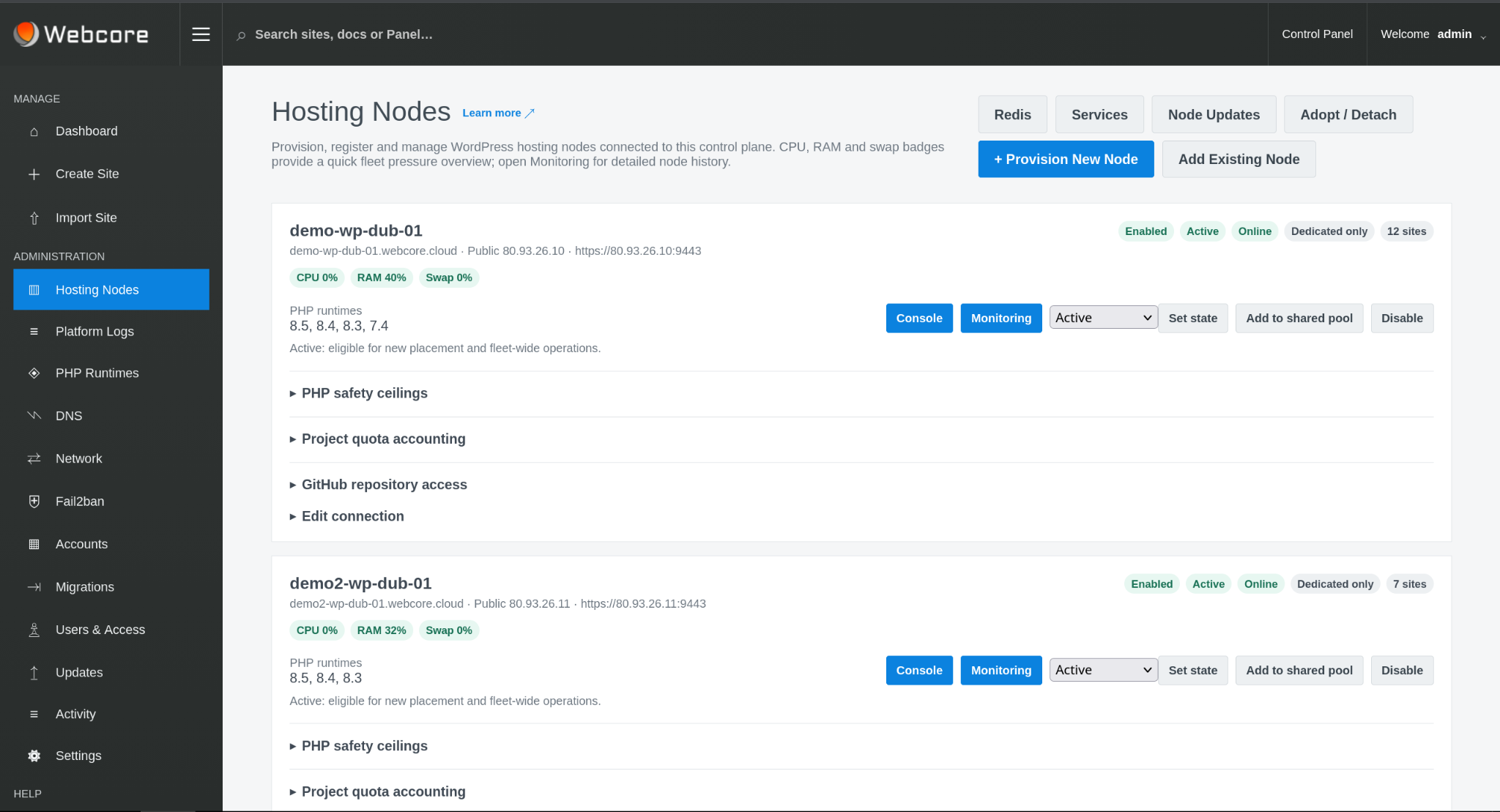
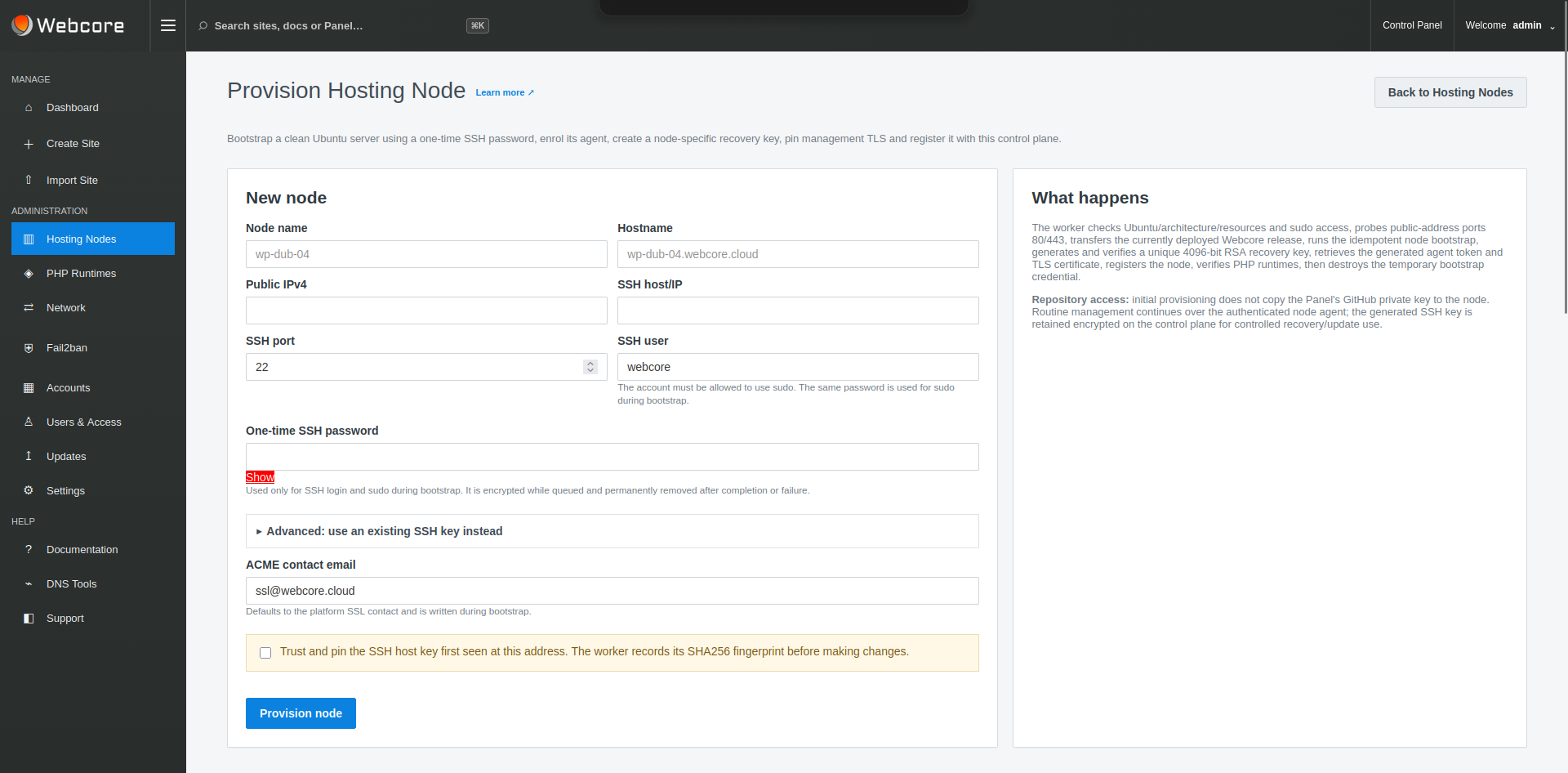
NODE ENROLMENT
A clean Ubuntu host can be provisioned from the Panel. Temporary bootstrap access establishes the Webcore node stack, authenticated agent relationship and management TLS; routine platform operations then use that managed relationship.
This does not prevent an infrastructure owner or authorised dedicated-node customer from having SSH access to infrastructure they are entitled to administer.
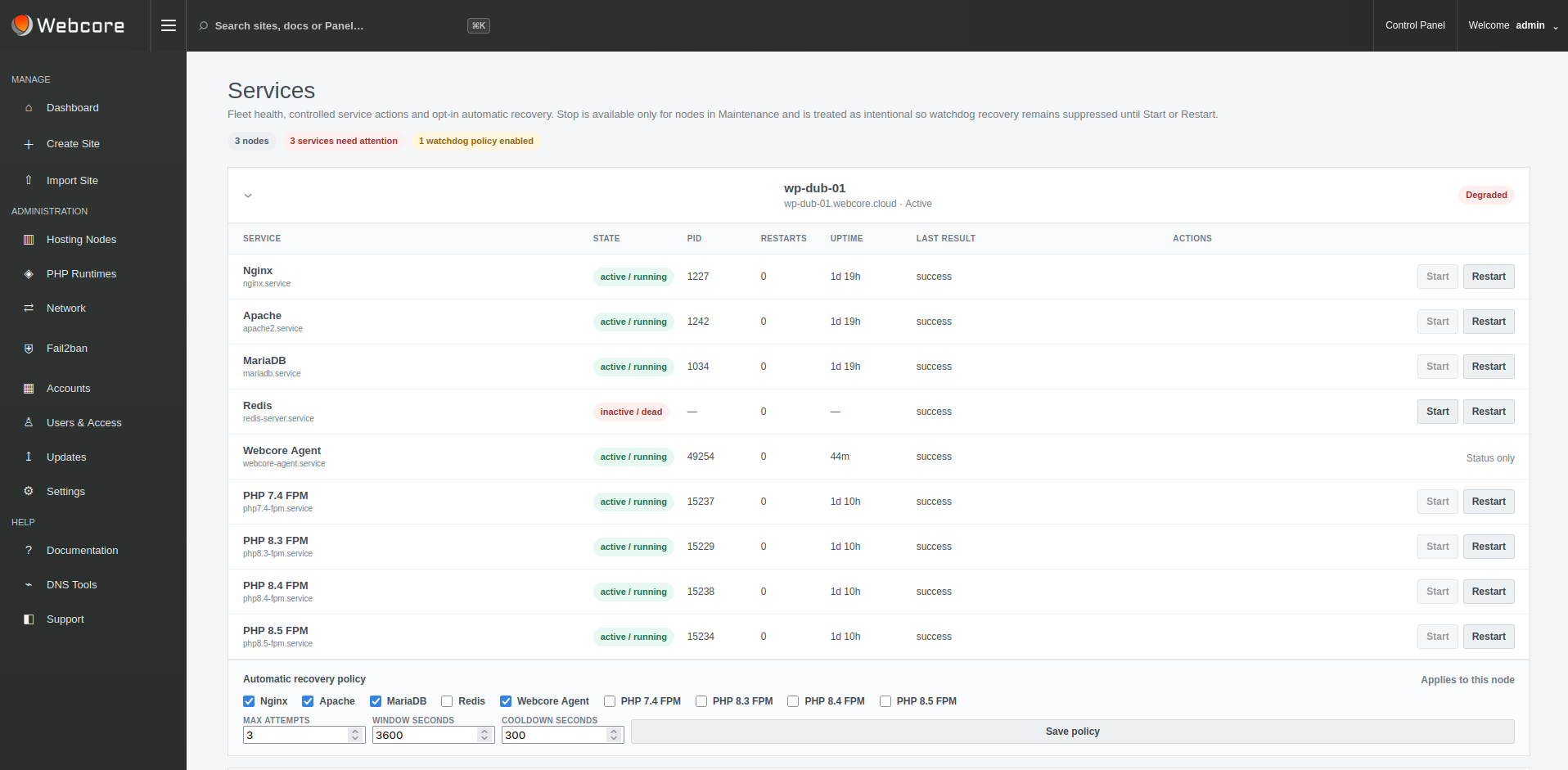
HOSTING NODE
Nginx, Apache, PHP-FPM, MariaDB and the Webcore Agent run on the hosting node. Supported service state and recovery controls are surfaced to the control plane while WordPress traffic remains independent of the Panel request path.
REQUEST PATH
A normal visitor request reaches the hosting node directly. The Panel operates the environment but does not proxy normal WordPress traffic.
SITE LAYER
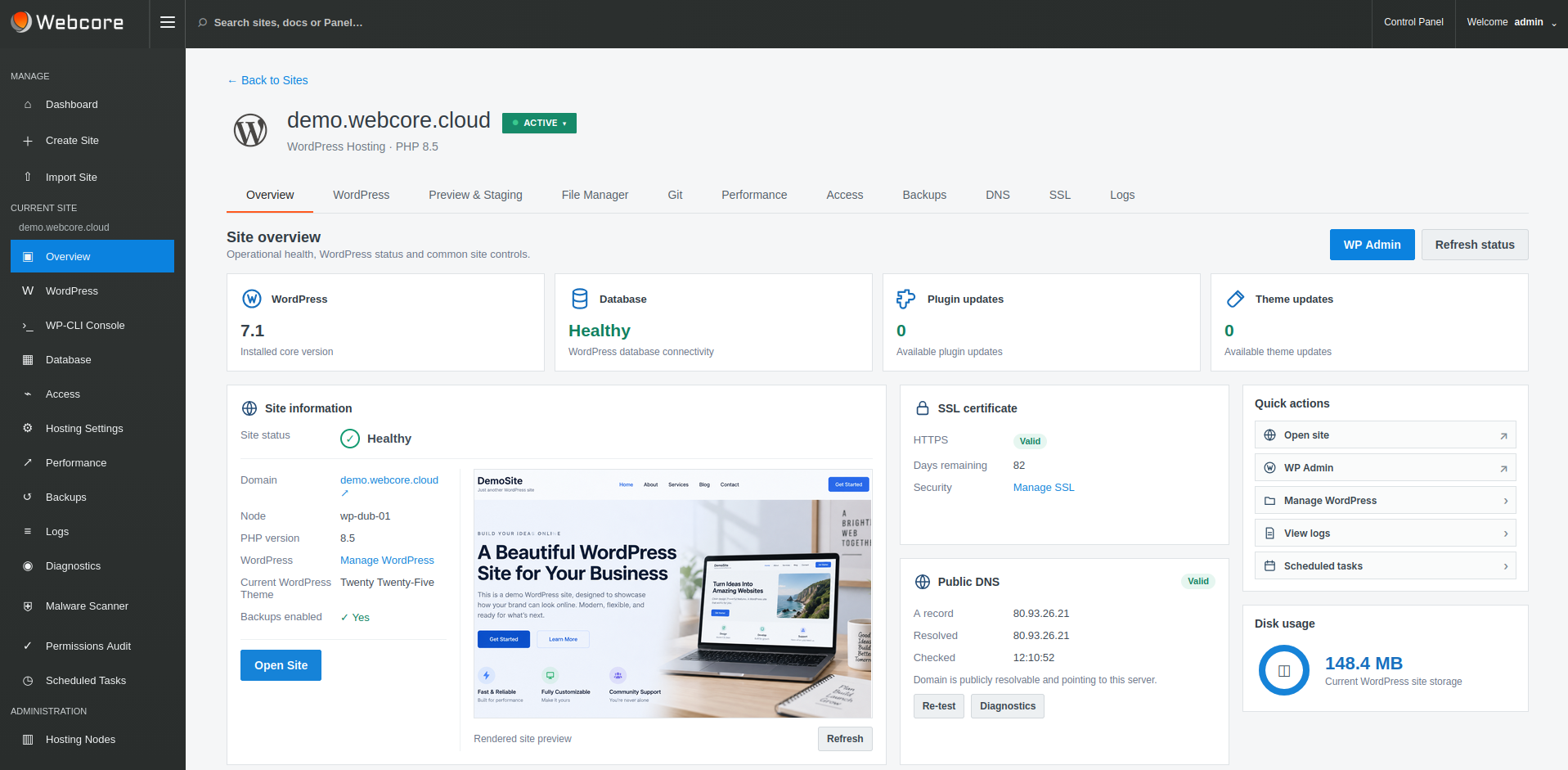
WordPress management, Git deployment, WP-CLI, Nginx page cache, Redis object cache, staging, backups, SSL, files, scheduled tasks, logs, diagnostics and malware protection belong to the application operating layer.
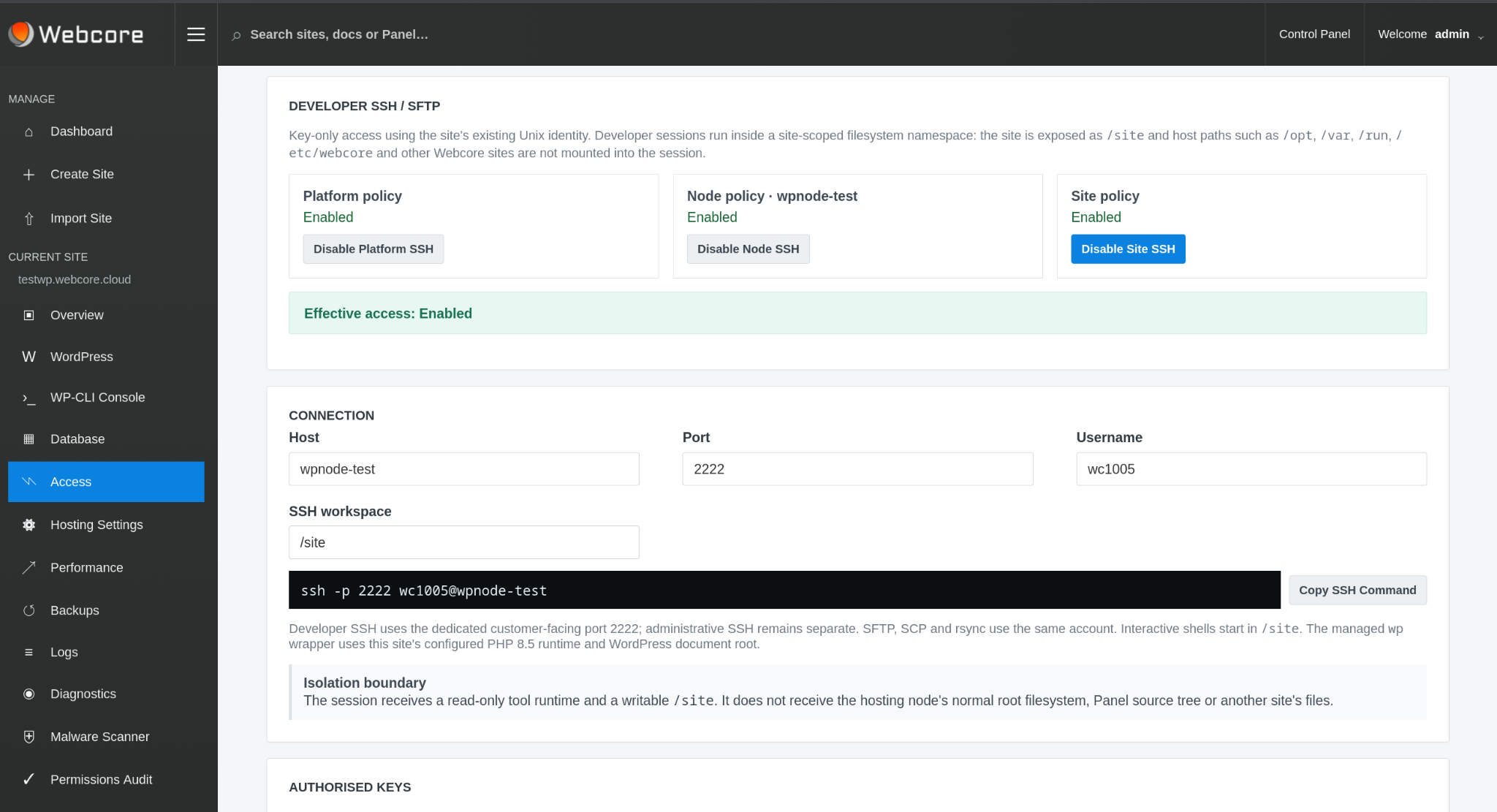
WP-CLI and enabled site SSH/SFTP are site capabilities, available independently of node-administration permissions.
DEDICATED NODE ACCESS
Developer SSH/SFTP uses public keys and exposes only the enabled site in a managed filesystem environment. It requires platform, node and site approval. Infrastructure administration is a separate responsibility with separately scoped access.
Dedicated-node access does not grant visibility of unrelated nodes, other tenants or the wider control plane.
TENANCY & RBAC
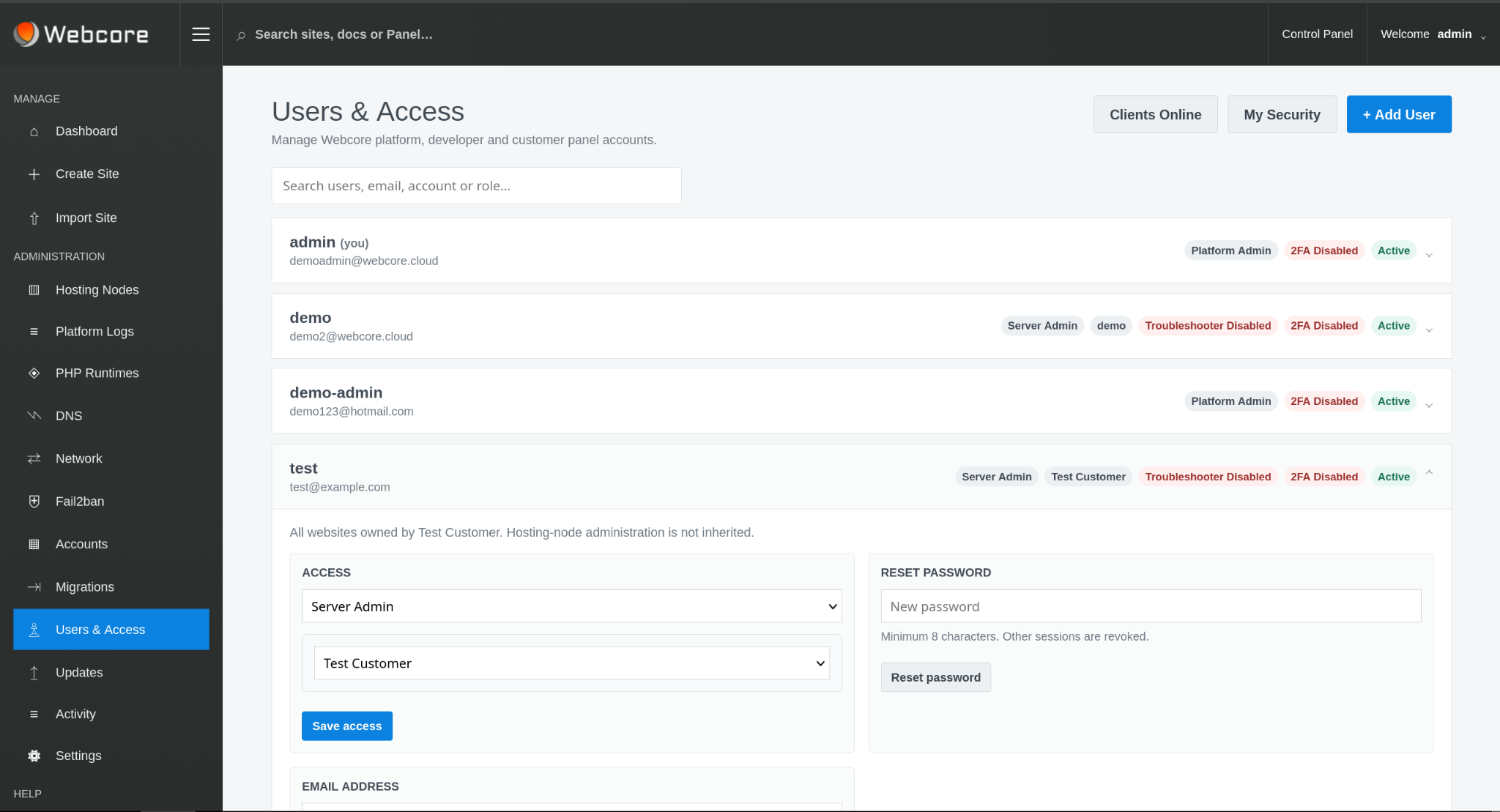
Platform Admins operate the platform. Account administrators work within their account scope. Site administrators can be restricted to selected sites, while node permissions and site-migration entitlement are granted separately where required.
TRUST BOUNDARIES
Temporary bootstrap access is used only to establish a managed node and is removed after provisioning.
Routine fleet operations use the authenticated node agent and management TLS.
Authorised operators may use SSH on dedicated nodes without receiving fleet-wide Panel access.
WP-CLI is a WordPress/site capability and can be provided independently of general node SSH.
WEBCORE PANEL
Webcore Panel provides the WordPress operating model while infrastructure owners retain control of their servers, network and customer relationship.