
Application-led
Size and shape the environment around the workload rather than forcing the workload into a generic tier.
PLATFORM / INFRASTRUCTURE
Compute, storage and hosting topology should follow what the application needs to do. Webcore builds and operates infrastructure as part of the service rather than treating the server as the finished product.
DESIGN PRINCIPLE
Traffic, data, runtime behaviour, recovery requirements and operational responsibility all affect the right infrastructure design. Webcore can operate shared platforms where that makes sense and use more isolated or dedicated architectures where the workload calls for them.
Size and shape the environment around the workload rather than forcing the workload into a generic tier.
Infrastructure capacity and service state should be measurable from the same operating model used to manage the platform.
Capacity, runtime requirements and deployment topology evolve. Infrastructure should be operable as that happens.
FLEET CAPACITY
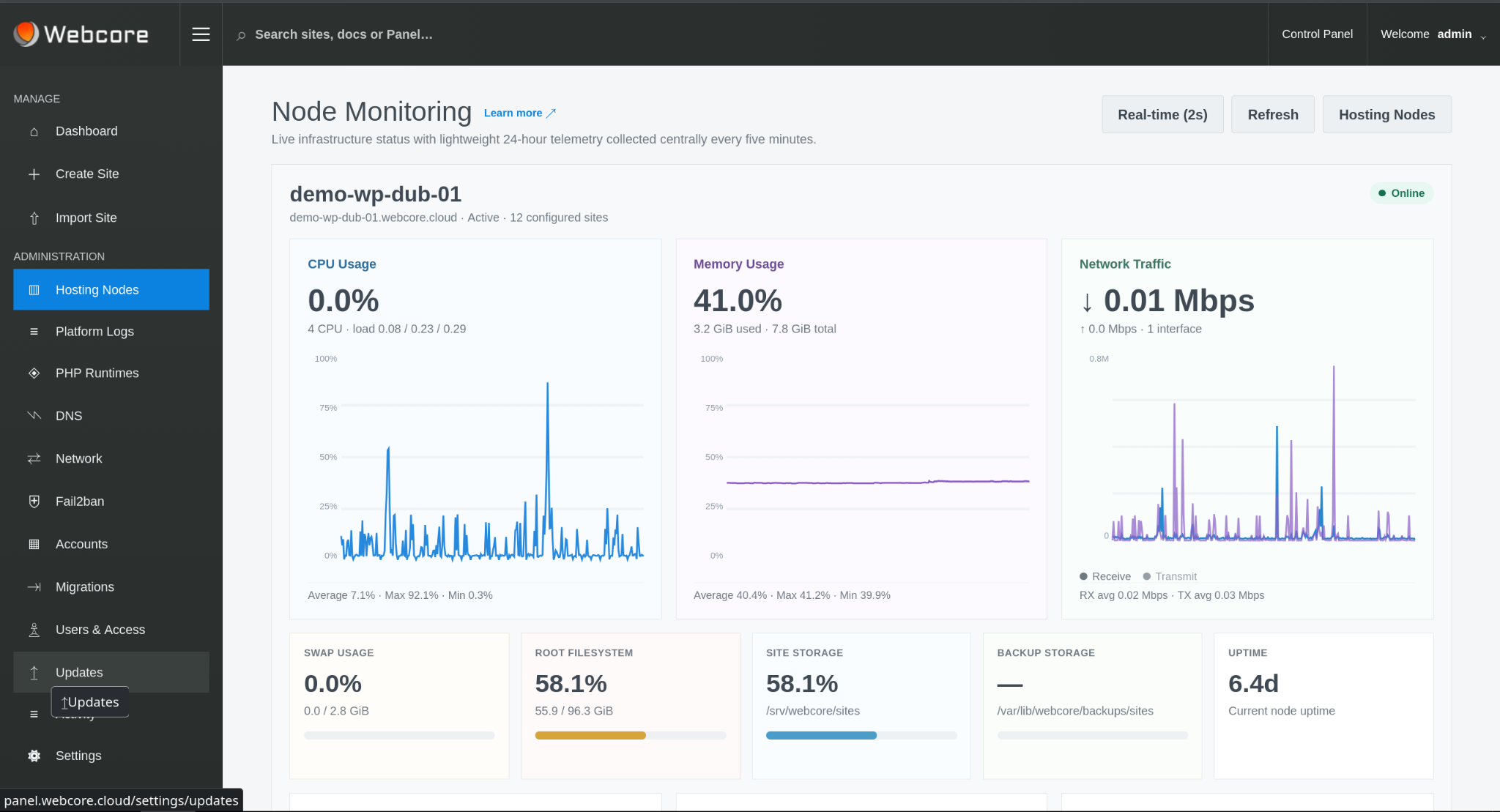
Within the Webcore WordPress Platform, hosting nodes expose CPU, memory, disk, uptime and service readiness to the control plane. Capacity-aware automatic placement uses eligible-node and capacity information when selecting a destination for new shared-hosting sites.
That turns infrastructure telemetry into an operational input rather than leaving placement as a blind round-robin or manual decision.
COMPUTE & STORAGE
Application performance is affected by more than headline CPU and memory figures. Storage latency, contention, runtime concurrency and the way services share a host all influence how a workload behaves.
Webcore treats those layers as engineering decisions, with the aim of making the application predictable under normal operation and understandable when it is not.
Right-size processing and memory around application behaviour and expected concurrency.
Keep database and filesystem performance part of the infrastructure design and troubleshooting model.
Use account, site and workload boundaries so one customer or application does not become the management boundary for another.
NODE LIFECYCLE
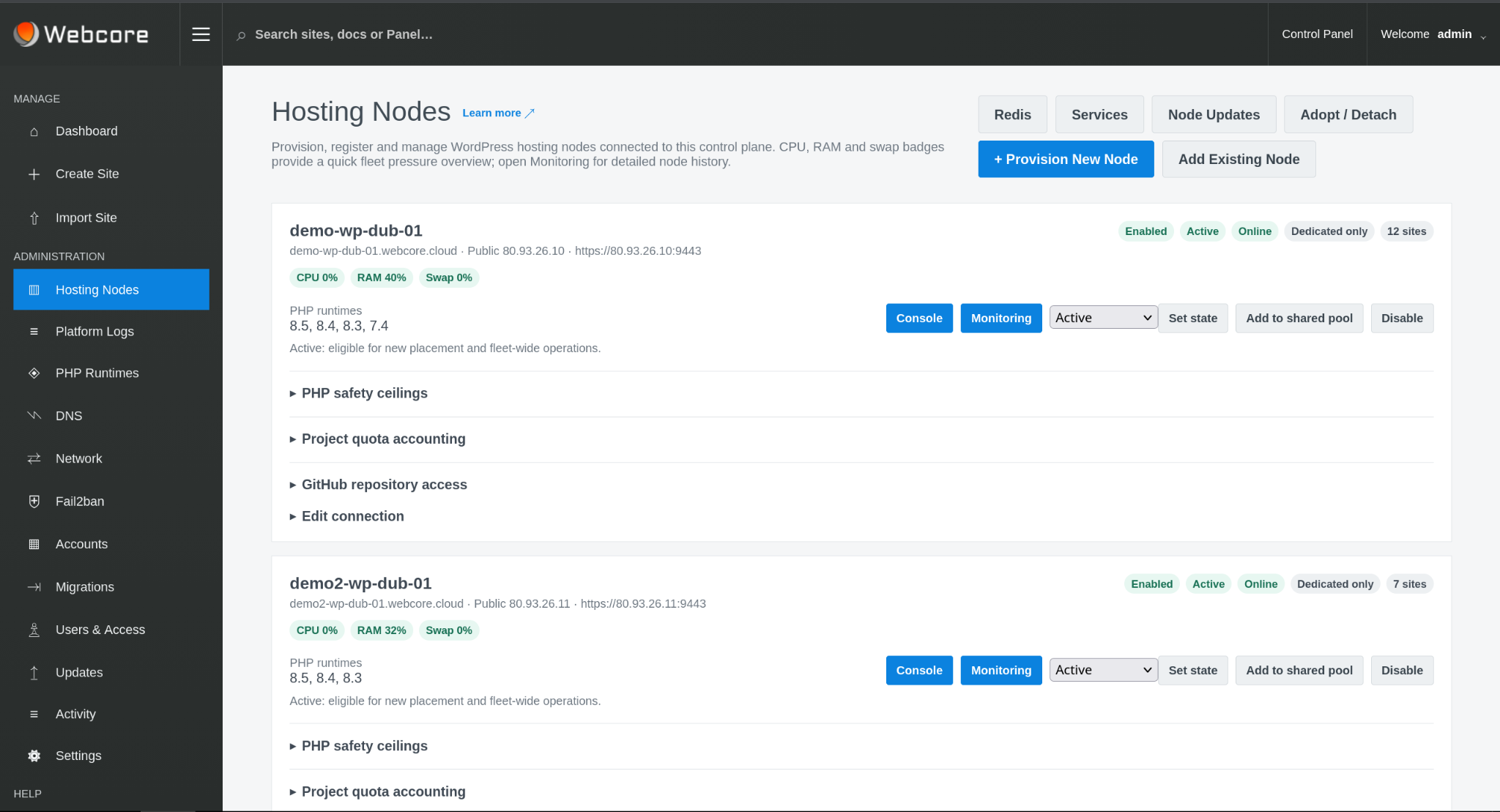
Nodes can be provisioned, enrolled, observed, updated and taken out of new placement from the control plane. Existing workloads remain distinct from decisions about where new workloads should land.
This is the difference between having a collection of servers and operating a hosting platform.
DEPLOYMENT MODEL
The WordPress Platform demonstrates both models: Webcore Managed WordPress runs on infrastructure we operate, while Webcore Panel can be licensed on request for organisations operating their own hosting nodes.
Your team works at the application and platform level while Webcore owns the hosting operation underneath it.
Use Webcore Panel as the WordPress operating layer across servers and customer relationships you control.
INFRASTRUCTURE
We can start with the application, current environment, performance constraints, growth profile and the level of operational responsibility you want Webcore to take on.
Talk to an Engineer