
MANAGED
Managed WordPress Hosting
Site controls, WP-CLI, performance, backups, staging and security while Webcore operates the shared infrastructure.
Managed WordPress →WEBCORE WORDPRESS
Managed WordPress for businesses, developer and agency workflows, dedicated enterprise infrastructure, or the complete Webcore Panel for organisations running their own platform.
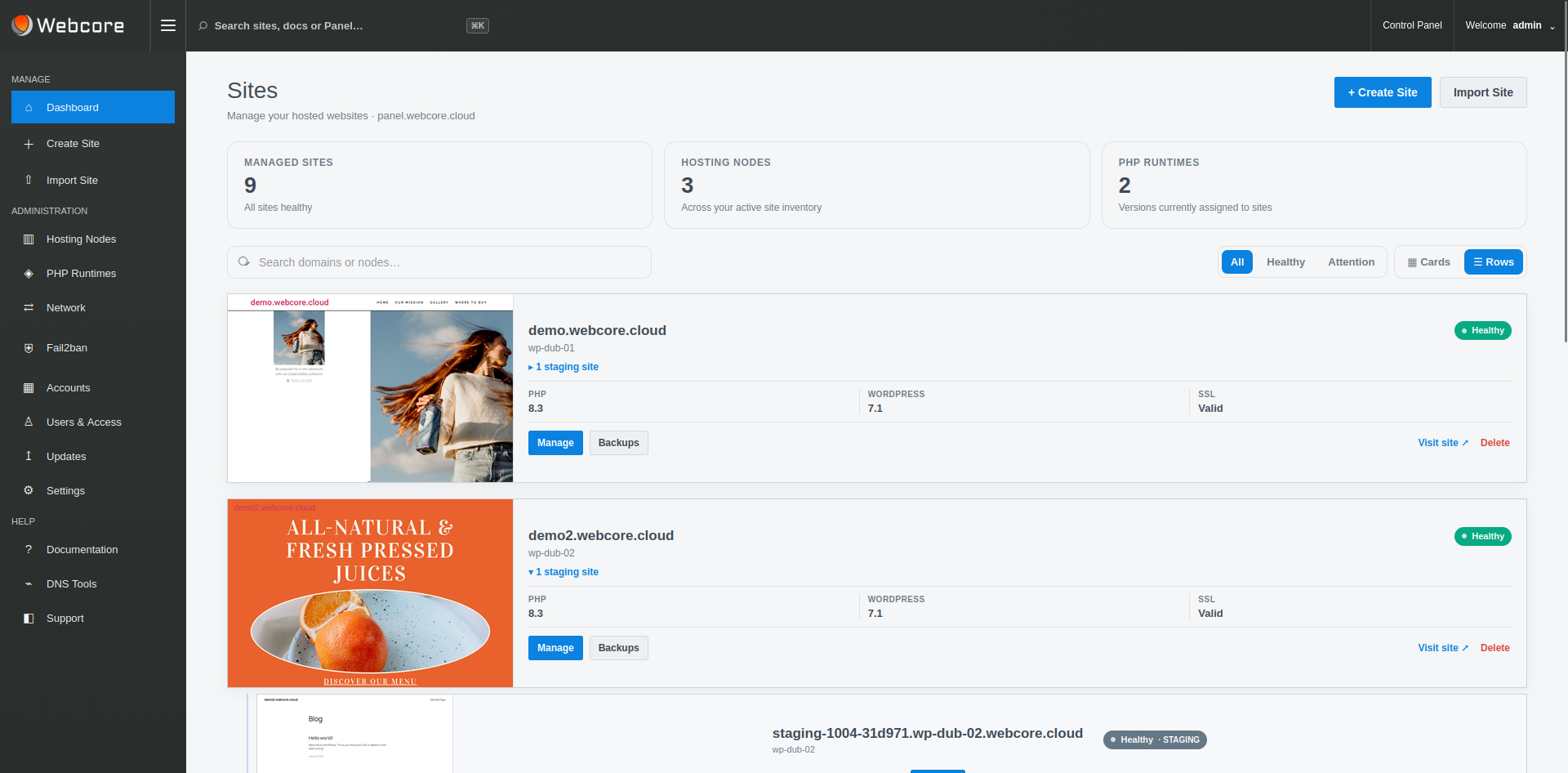
CHOOSE YOUR OPERATING MODEL
Start with the responsibility you want Webcore to take on, then add the controls your team actually needs.
MANAGED
Site controls, WP-CLI, performance, backups, staging and security while Webcore operates the shared infrastructure.
Managed WordPress →DEVELOP
Git, WP-CLI, staging, multi-site operations and diagnostics, with site-scoped SSH/SFTP where enabled and dedicated nodes when needed.
Developers & Agencies →DEDICATED
Dedicated infrastructure, governance, recovery, workload mobility and deeper operational visibility while Webcore operates the platform.
Enterprise →OPERATE THE PLATFORM YOURSELF
For agencies, MSPs, hosting providers and enterprise teams running WordPress on infrastructure they control. Provision nodes, operate the fleet, manage DNS, migrations, accounts, resources and releases.
Explore Webcore Panel →SITE OPERATING LAYER
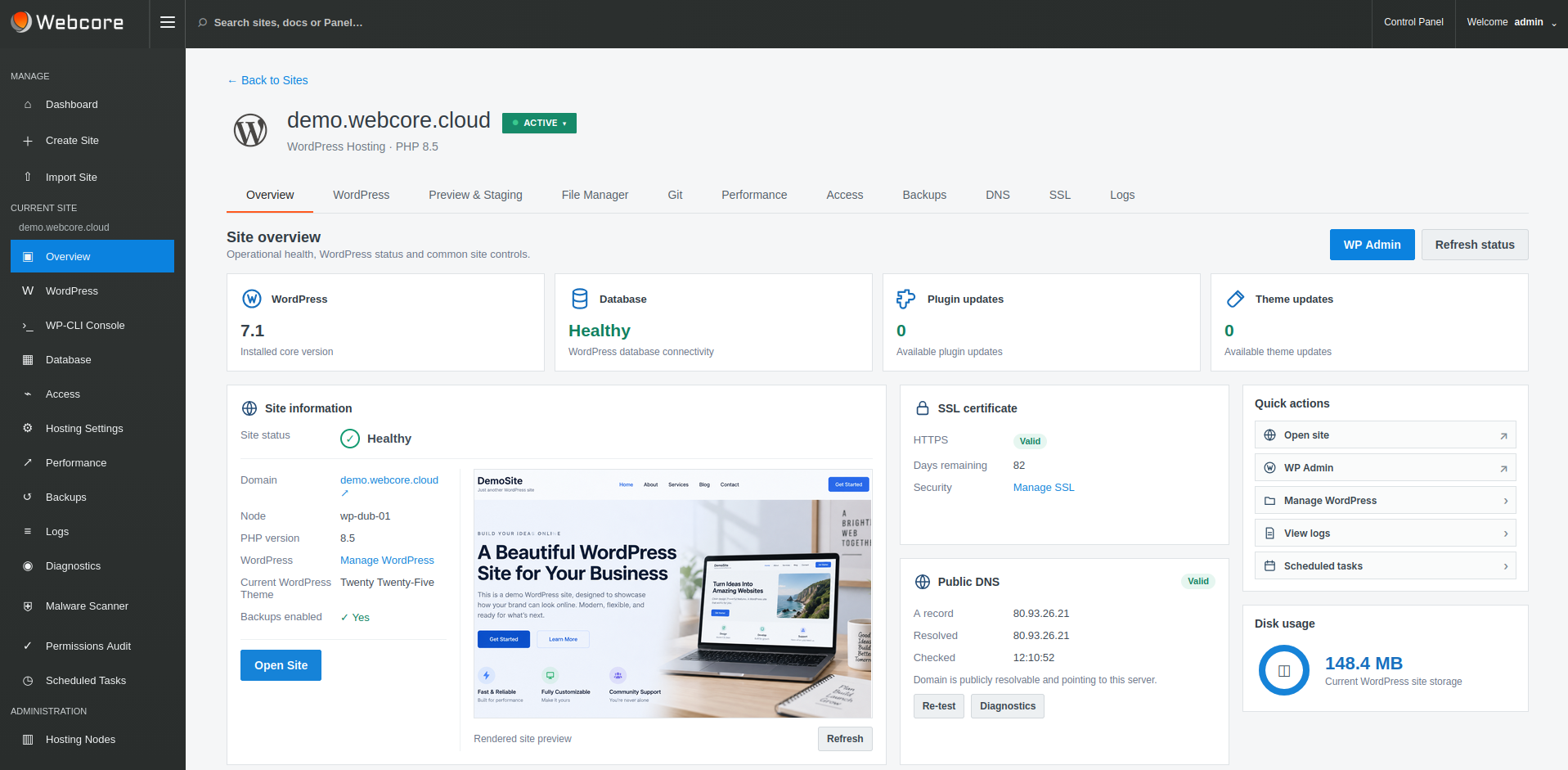
WordPress health, WP-CLI, PHP settings, Nginx and Redis caching, staging, backups, SSL, malware protection, files, scheduled tasks, logs and diagnostics form the application layer. They do not require the customer to administer the underlying shared hosting node.
DEVELOPER WORKFLOWS
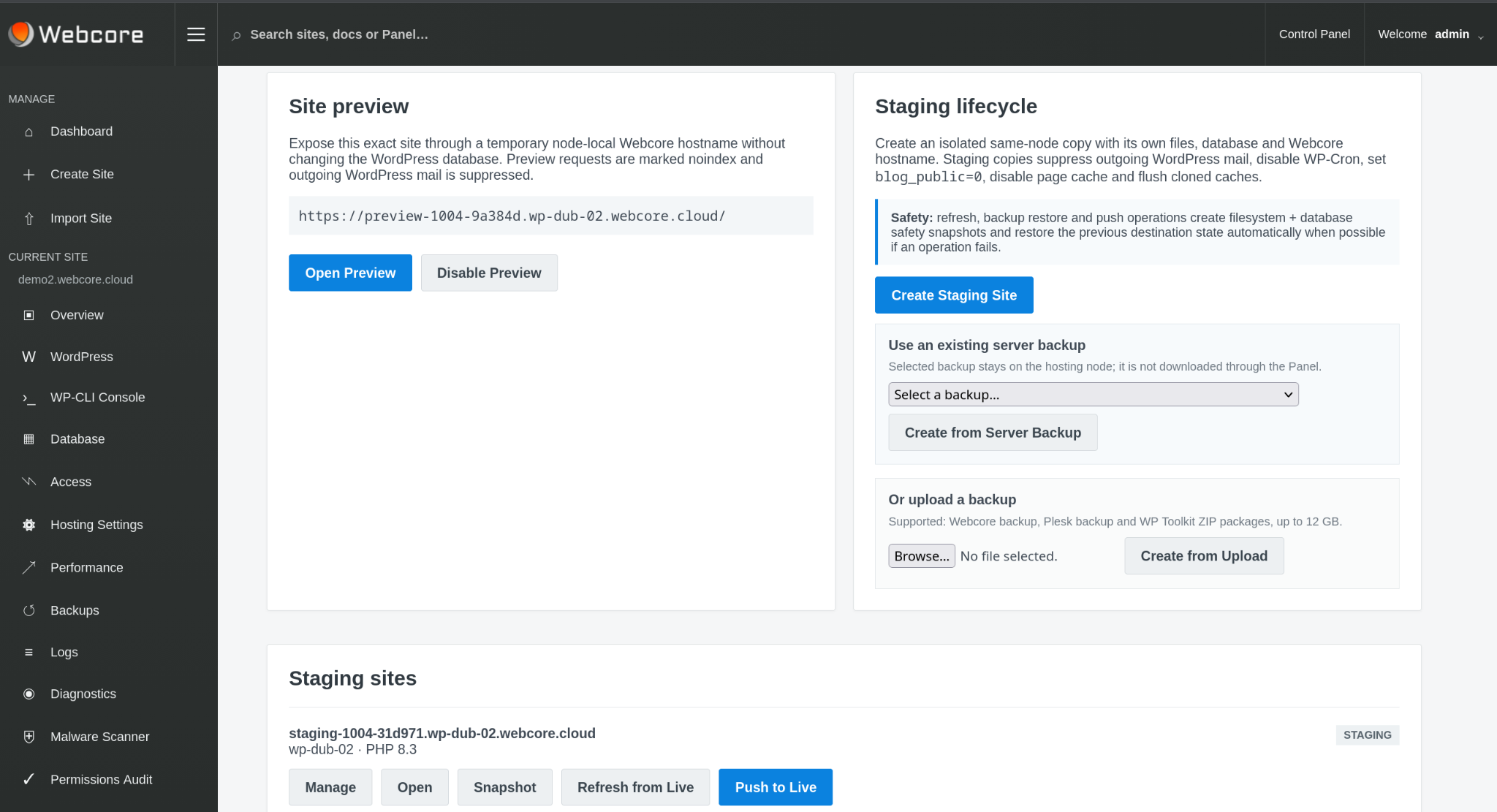
Git deployment, WP-CLI and staging support professional WordPress workflows. Enabled sites can use key-based SSH/SFTP in an isolated site environment. Dedicated-node administration remains separately scoped.
PERFORMANCE & RECOVERY
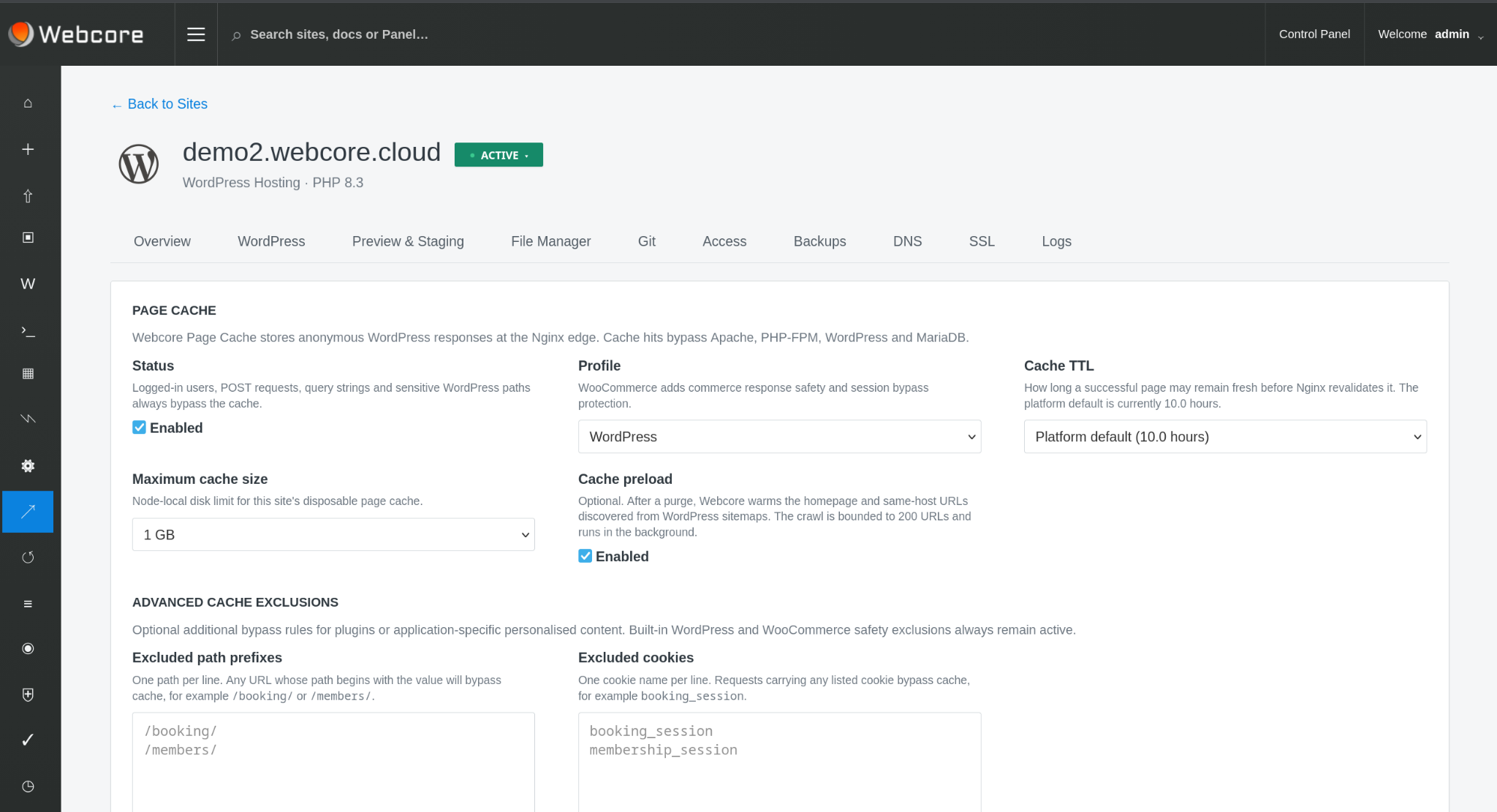
Nginx page caching can serve eligible requests before WordPress starts, Redis reduces repeated application work, and files-and-database backups provide a recovery path from the same site workspace.
WHO OPERATES THE INFRASTRUCTURE?
WEBCORE MANAGED
Shared Managed WordPress, developer services and Enterprise/Dedicated all keep the underlying Webcore platform under Webcore operation. The amount of customer access increases with the service: from site tools, WP-CLI and enabled site SSH/SFTP to separately scoped dedicated-node controls.
Explore managed services →LICENSED PANEL
Webcore Panel gives the infrastructure owner the complete control plane: fleet, provisioning, placement, sites, DNS, migrations, accounts, resources and platform operations.
Explore Webcore Panel →MIGRATION
Webcore supports importing existing WordPress sites and recognised backup formats, with controlled migration workflows for larger estates and site moves where the service is entitled to them.