
Build
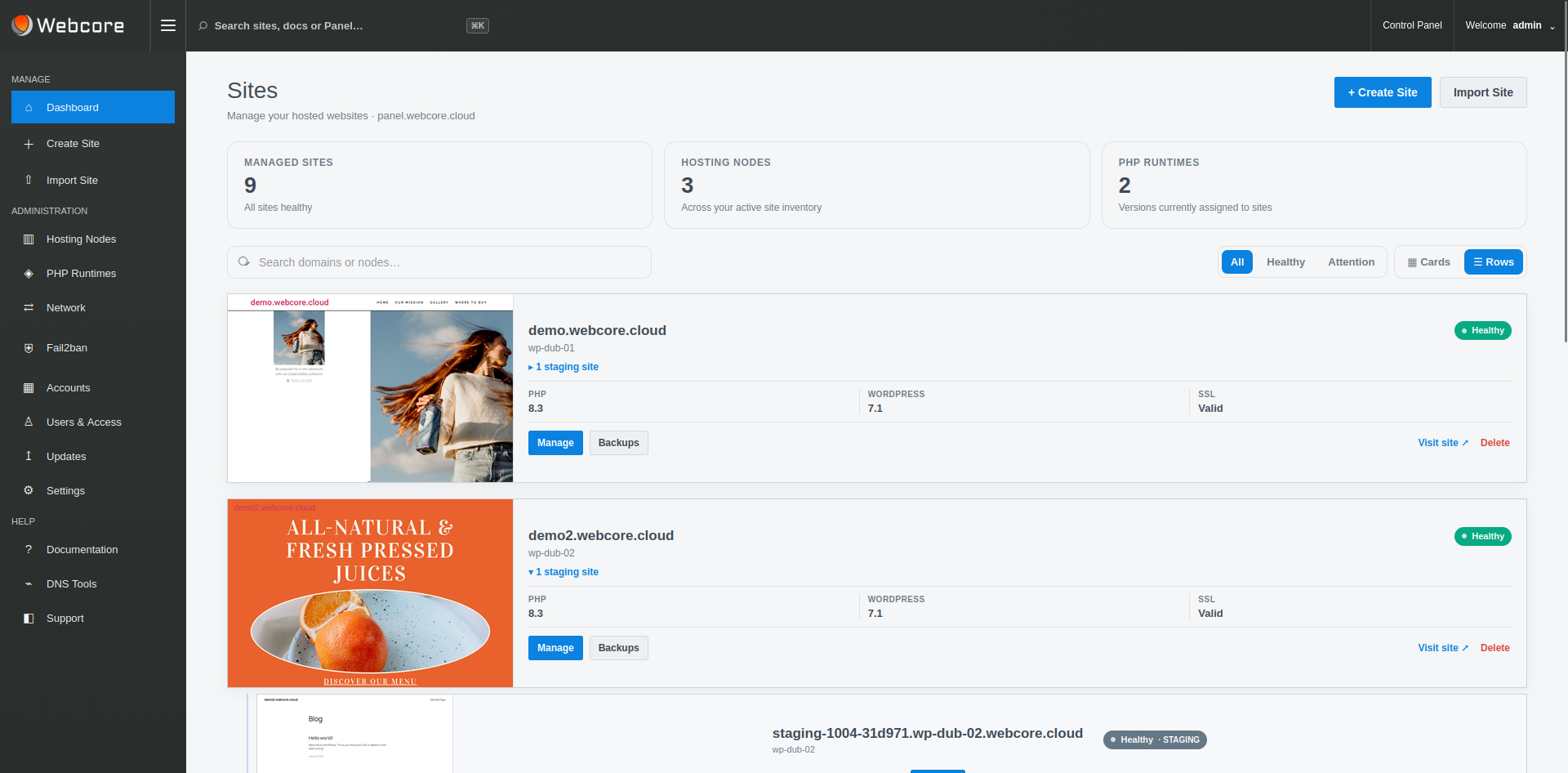
Provision nodes and create, import or adopt WordPress workloads.
WEBCORE PANEL FEATURES
A complete WordPress operating layer spanning fleet management, provisioning, capacity-aware placement, Git, WP-CLI, caching, staging, backups, malware remediation, DNS, migrations, access control and platform operations.
SIX OPERATING PILLARS
The licensed Panel includes both the site tools used by WordPress teams and the infrastructure controls required by the organisation operating the platform.
Provision nodes and create, import or adopt WordPress workloads.
Manage runtimes, resources, caching, services and capacity-aware placement.
Git deployment, WP-CLI, staging, files and scheduled tasks.
Backups, SSL, malware scanning, quarantine, remediation and isolation.
Global search, logs, diagnostics, site state, node telemetry and service health.
Accounts, scoped node access, DNS, migrations, quotas and platform releases.
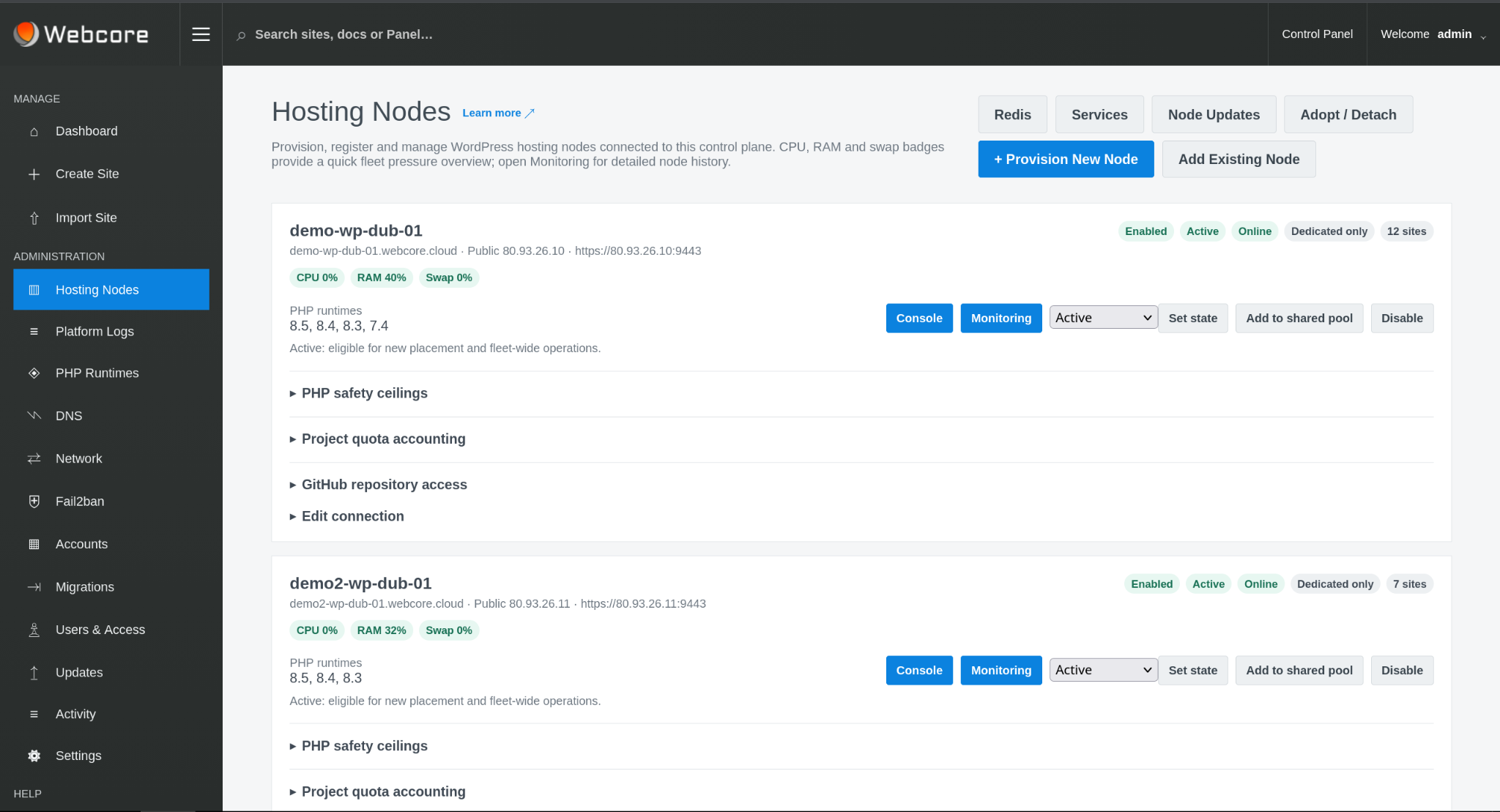
FLEET & PLACEMENT
Manage node state, shared-pool eligibility, runtime availability, service readiness and capacity telemetry. Capacity-aware Auto placement combines eligibility with current fleet state when selecting infrastructure for new shared workloads.
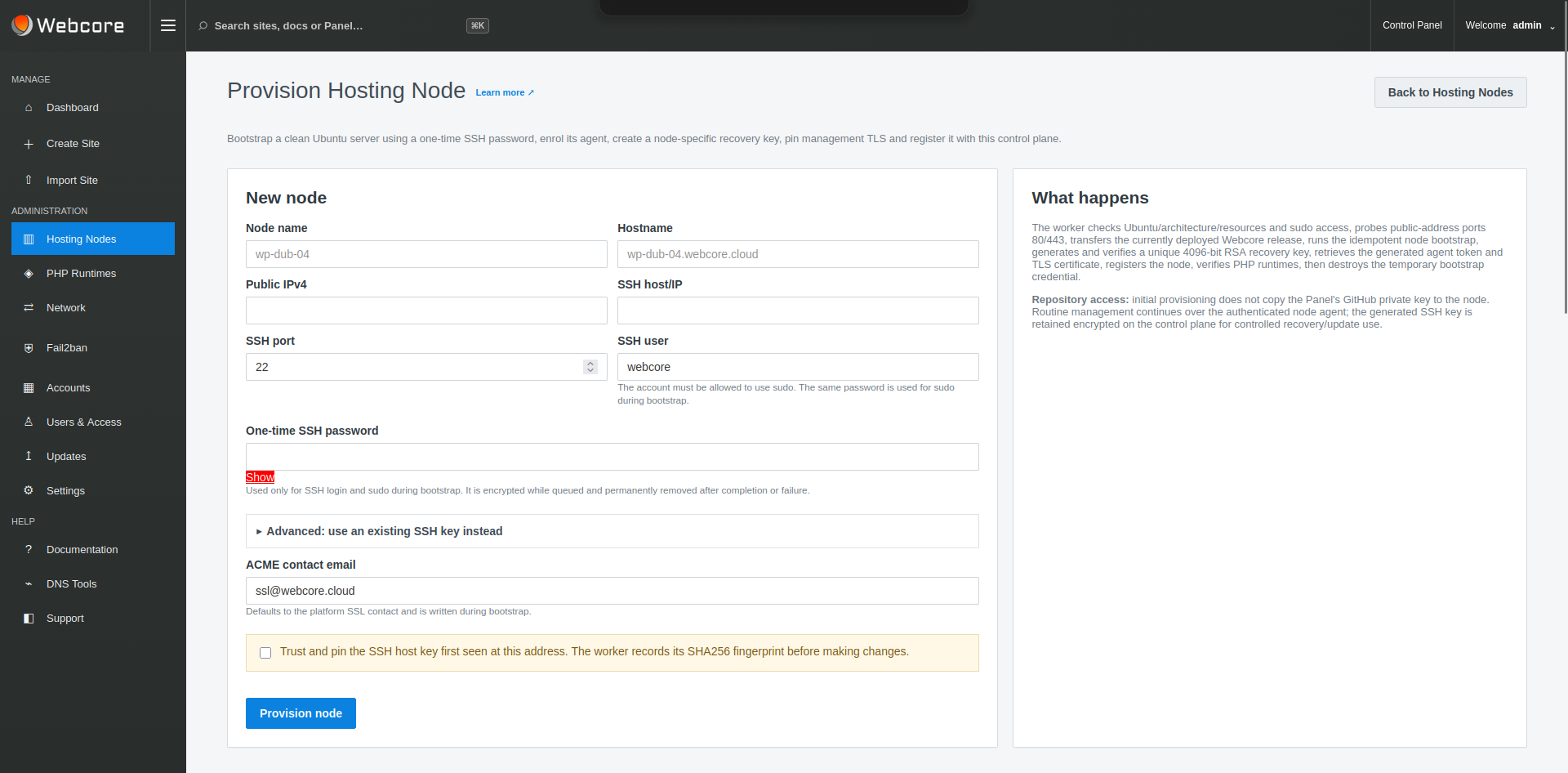
PROVISIONING & RUNTIMES
Provision clean Ubuntu infrastructure, enrol the authenticated agent relationship and install supported PHP runtimes. Runtime capability at node level becomes controlled PHP choice at site level.
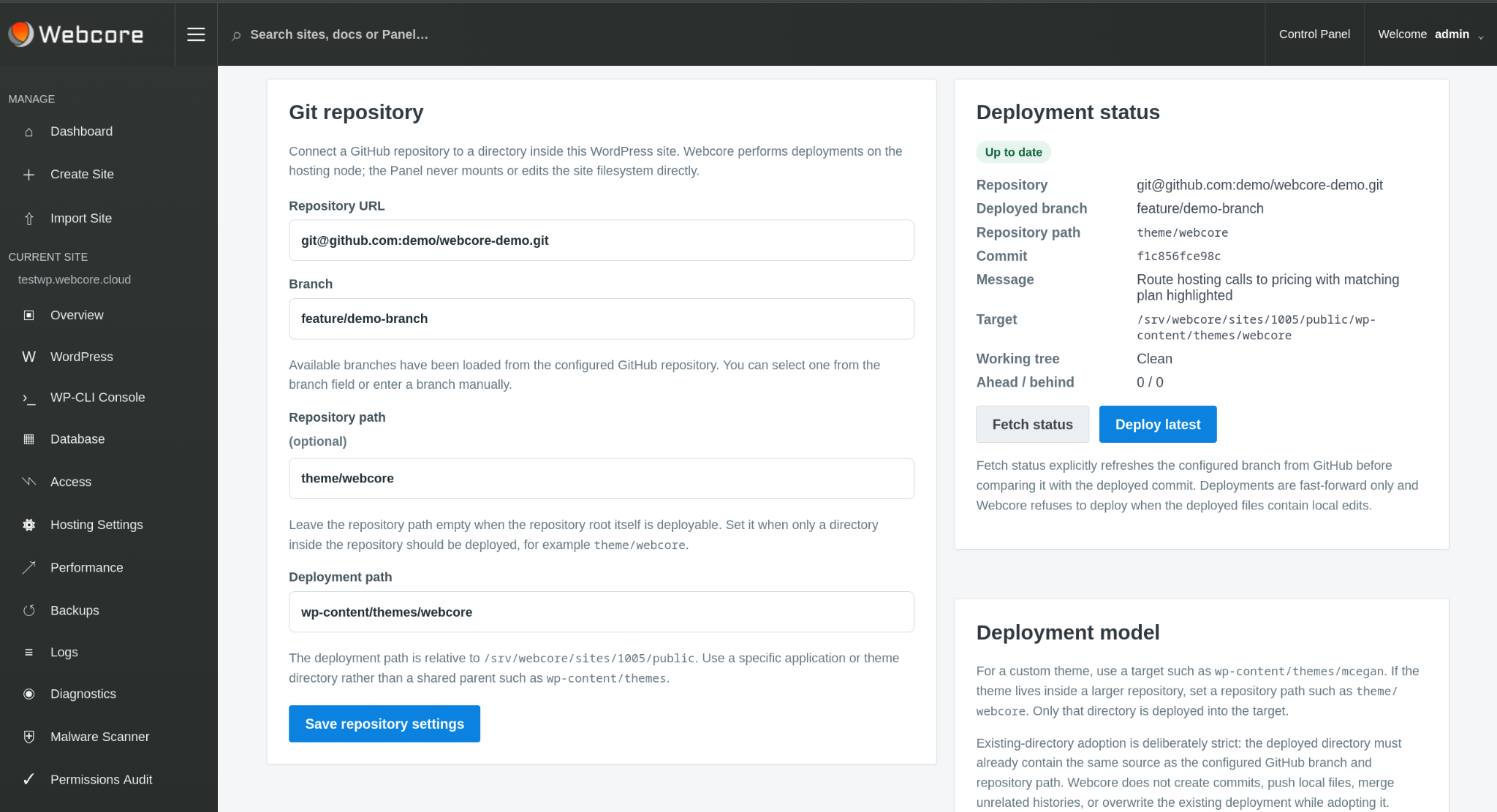
WORDPRESS, GIT & WP-CLI
Create and import WordPress sites, manage core, plugins and themes, deploy from Git repositories and use WP-CLI for command-line WordPress administration and automation.
Repository-subdirectory deployment supports projects where the deployable site or theme is only one part of the repository.
PERFORMANCE
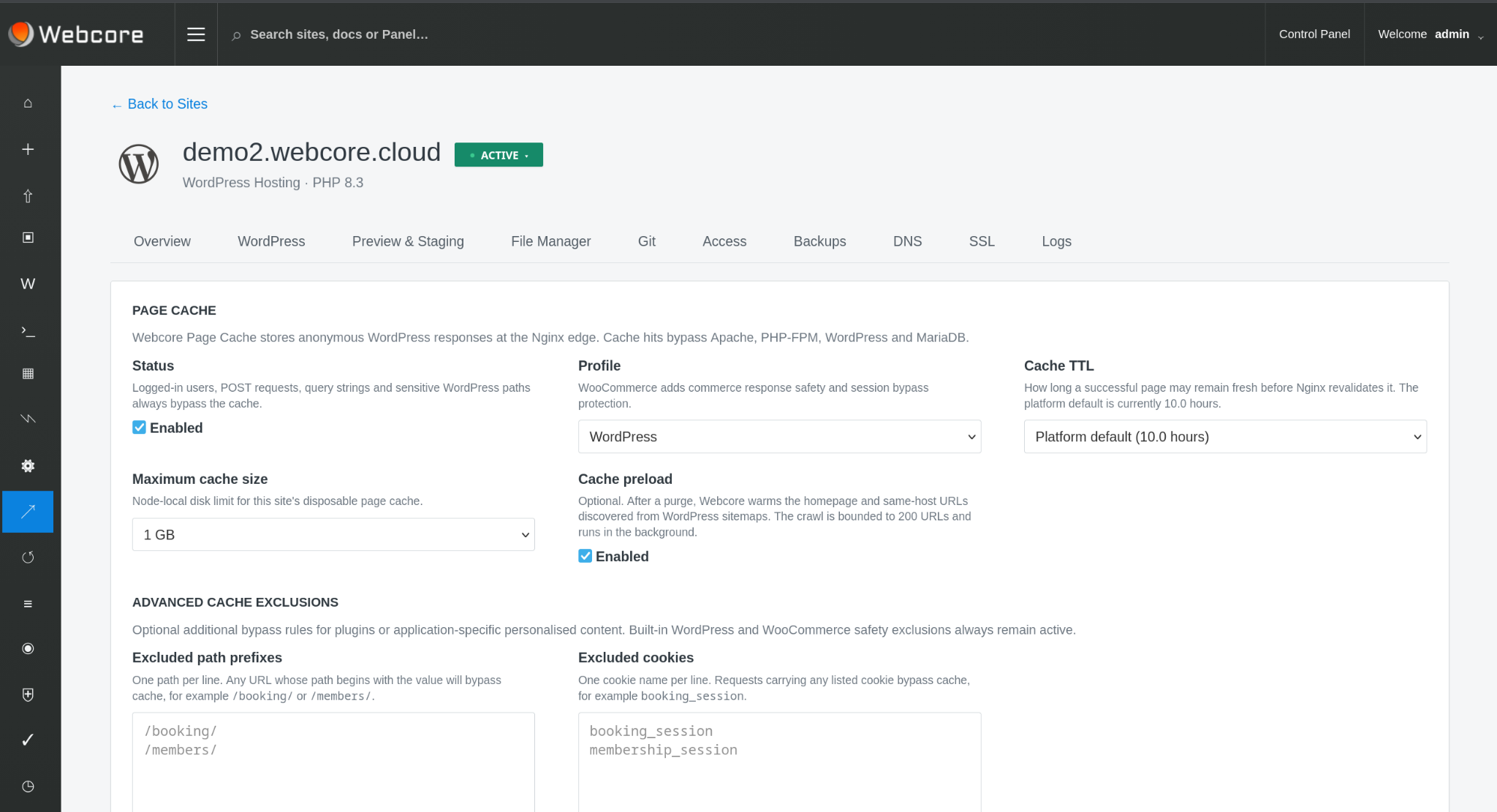
Control Nginx page-cache profiles, TTL, size and exclusions alongside managed Redis object caching for workloads that reach WordPress.
RUNTIME RESOURCES
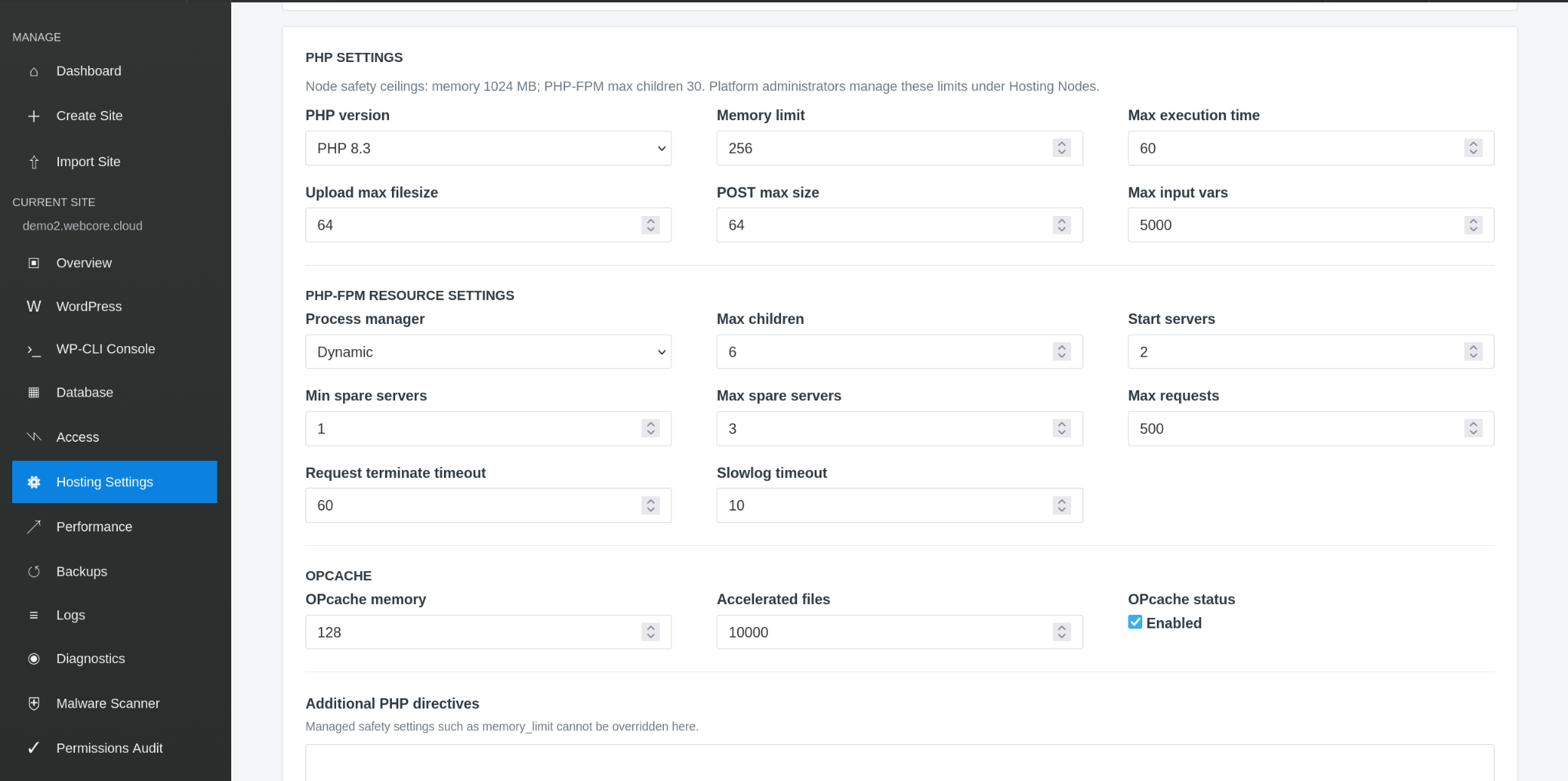
Site-level PHP and PHP-FPM settings sit within platform-controlled runtime availability and infrastructure resource boundaries.
STAGING & CHANGE CONTROL
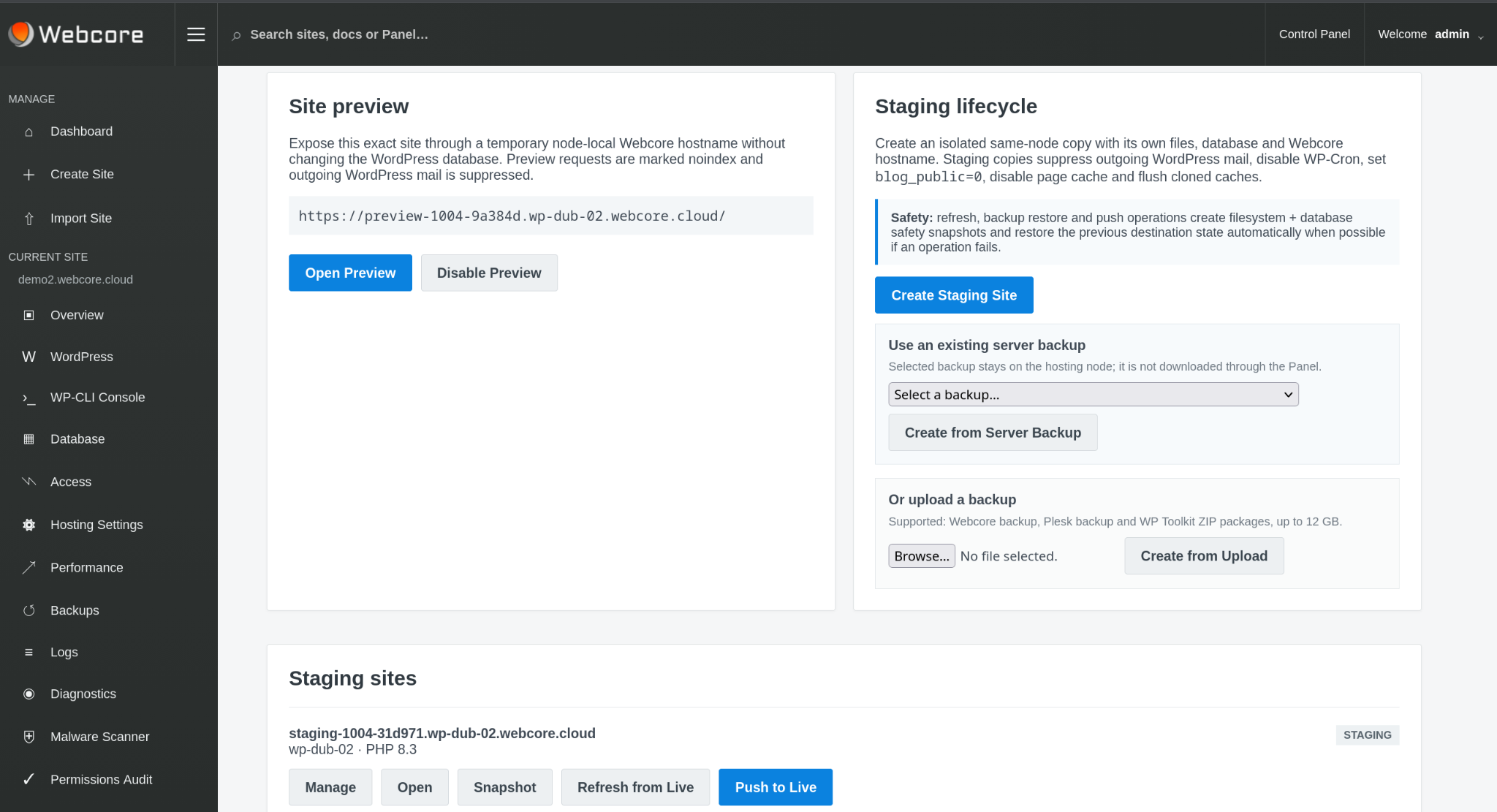
Create isolated staging copies, refresh from live, snapshot before risky work and push approved changes back. Staging safety controls suppress mail, disable WP-Cron, discourage indexing and disable page cache by default.
BACKUPS & MALWARE
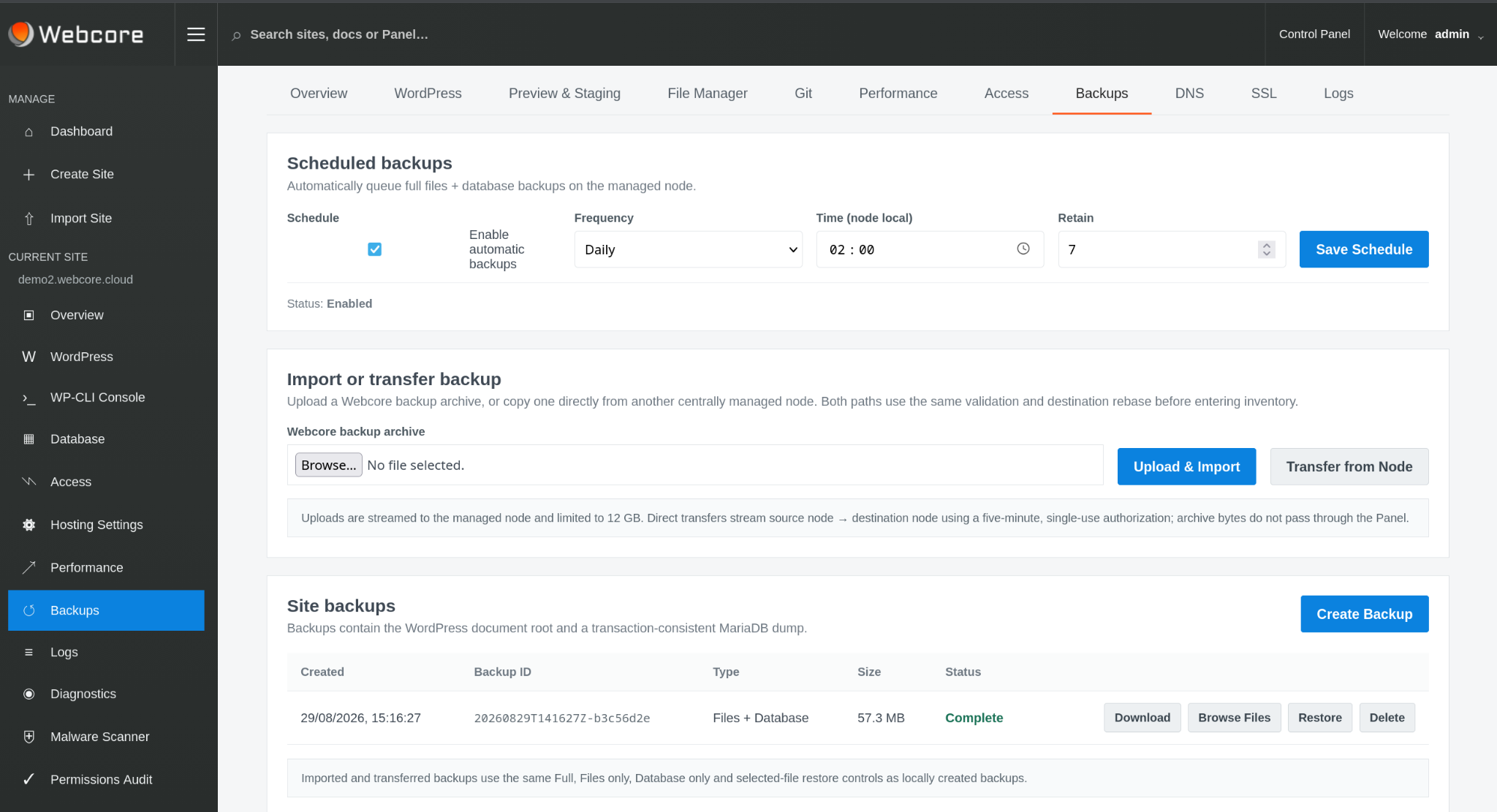
Create and schedule files-and-database backups and restore previous state from the Panel. Malware workflows add scanning, findings, quarantine, restore and remediation history so suspicious code can be handled without treating every incident as a full rebuild.
SITE MOVES & MIGRATIONS
Import existing estates and move managed sites between eligible nodes with pre-copy, controlled cutover, rollback opportunity and finalisation. Migration permission can be granted independently of wider platform administration.
DNS & SSL
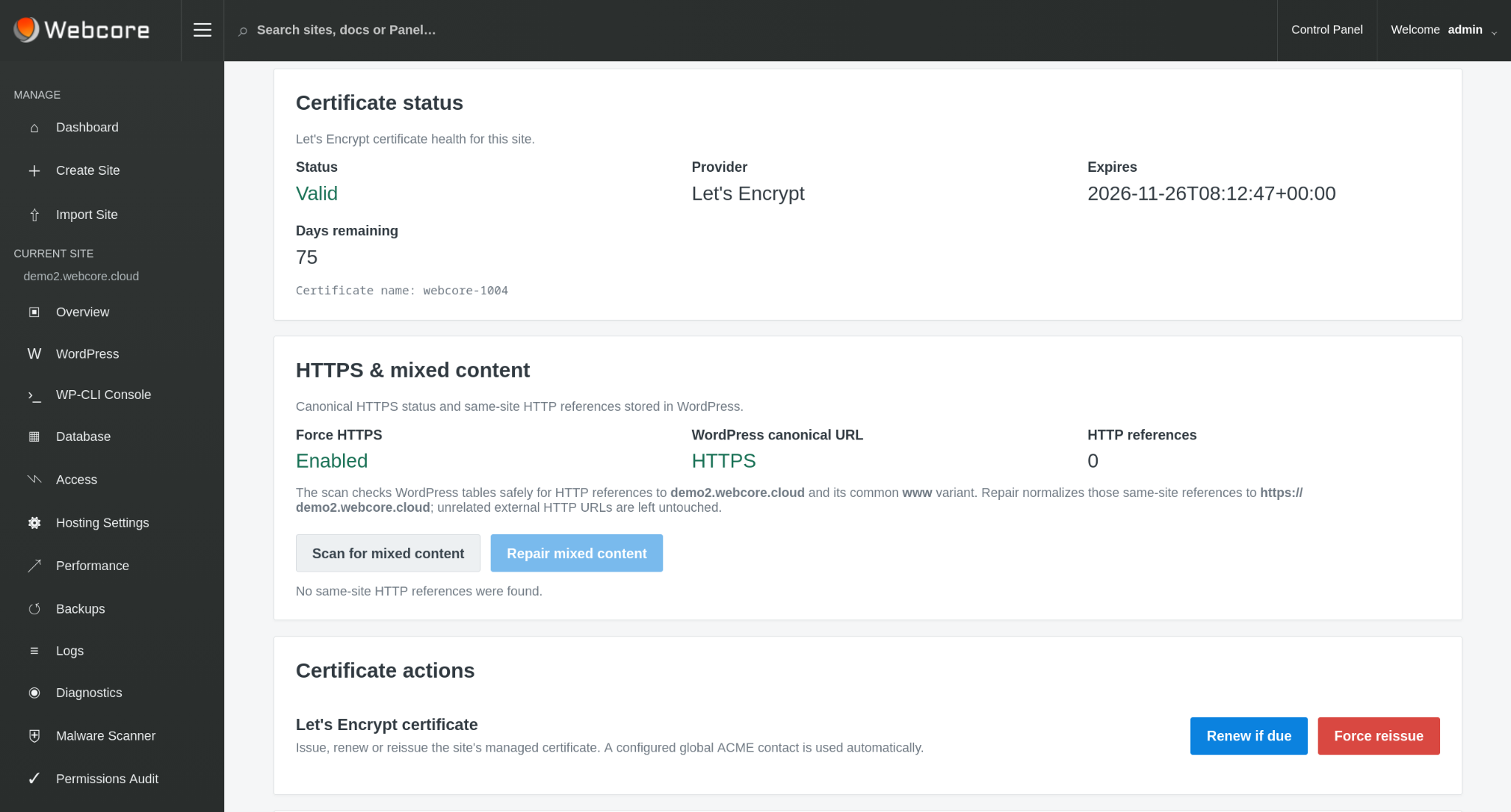
Manage site SSL and public DNS state while platform administrators can manage and import DNS zones for broader infrastructure workflows.
USERS & ACCESS
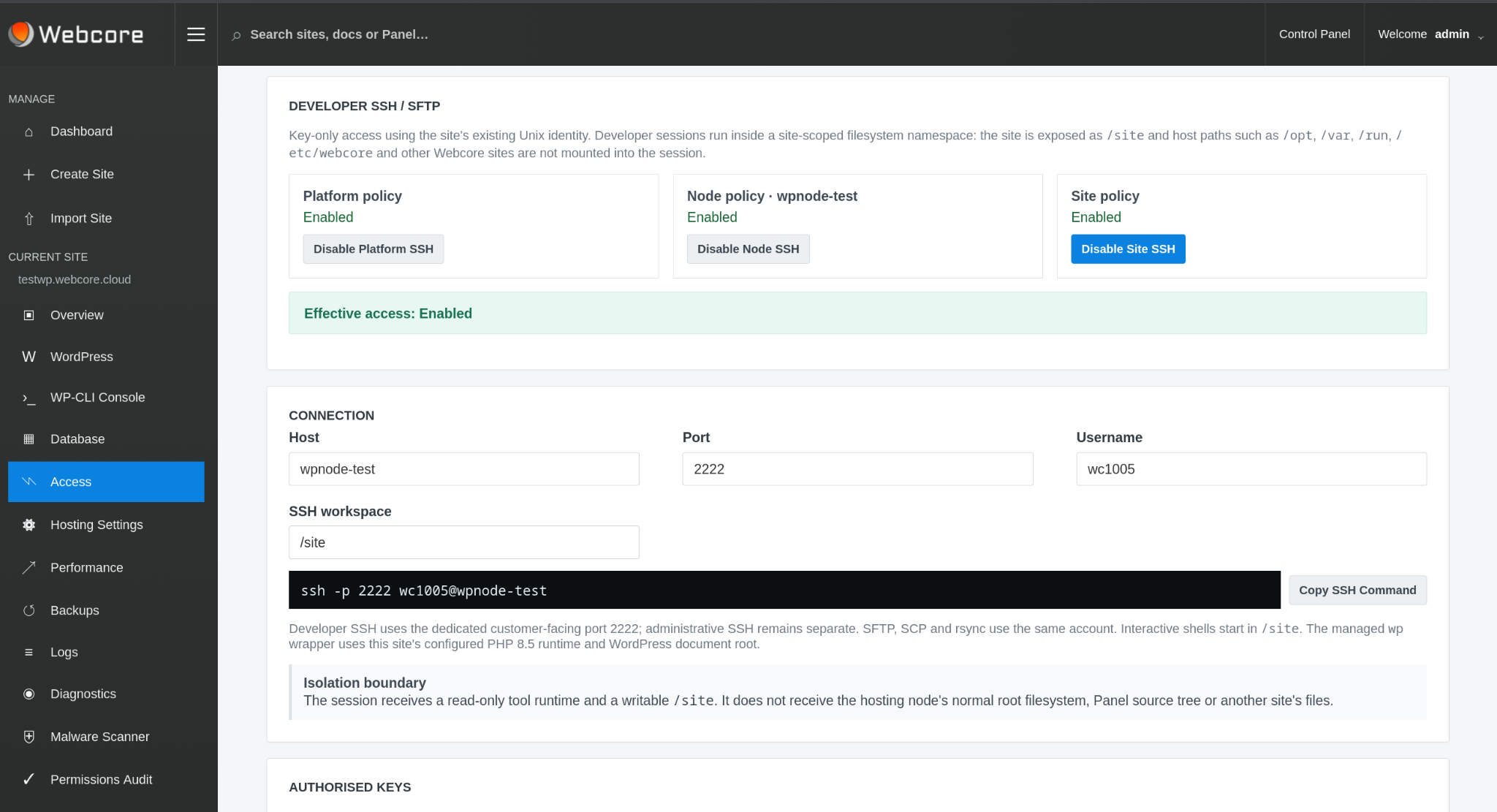
Separate platform, account and site responsibilities. Govern site-scoped SSH/SFTP through platform, node and site settings, with public-key management and separate permissions for node administration.
SERVICES, QUOTAS & UPDATES
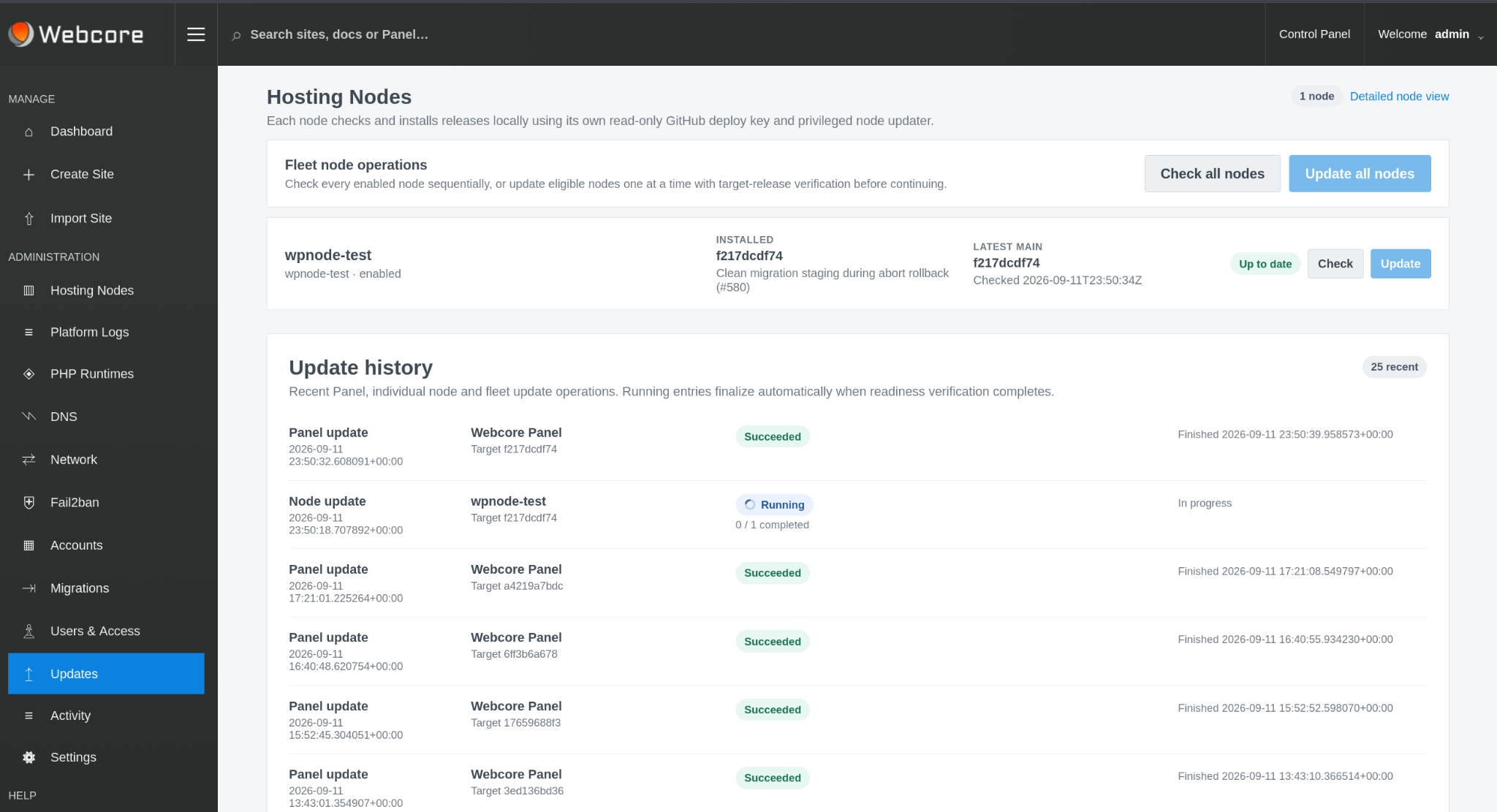
Inspect hosting-stack services and supported recovery policy, reconcile node resource/quota capability and manage Panel, node and platform release state from the administrative layer.
SITE OPERATIONS
Find authorised sites and platform objects quickly.
Work with site files from the Panel.
Investigate application and hosting signals.
Inspect WP-Cron and manage custom scheduled work.
Scan, quarantine, remediate and restore.
Use WordPress from the command line for administration and automation.
WEBCORE PANEL
Use Webcore Panel to provide a consistent managed WordPress operating model on infrastructure you control.